Introduction
Classrooms are evolving rapidly. Traditional teaching methods like textbooks, chalkboards, and static lessons no longer fully engage students. Thanks to interactive flat panel displays, teachers now have the tools to transform their classrooms into smart learning hubs.
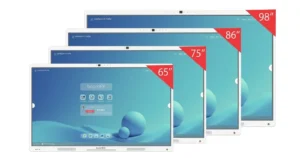
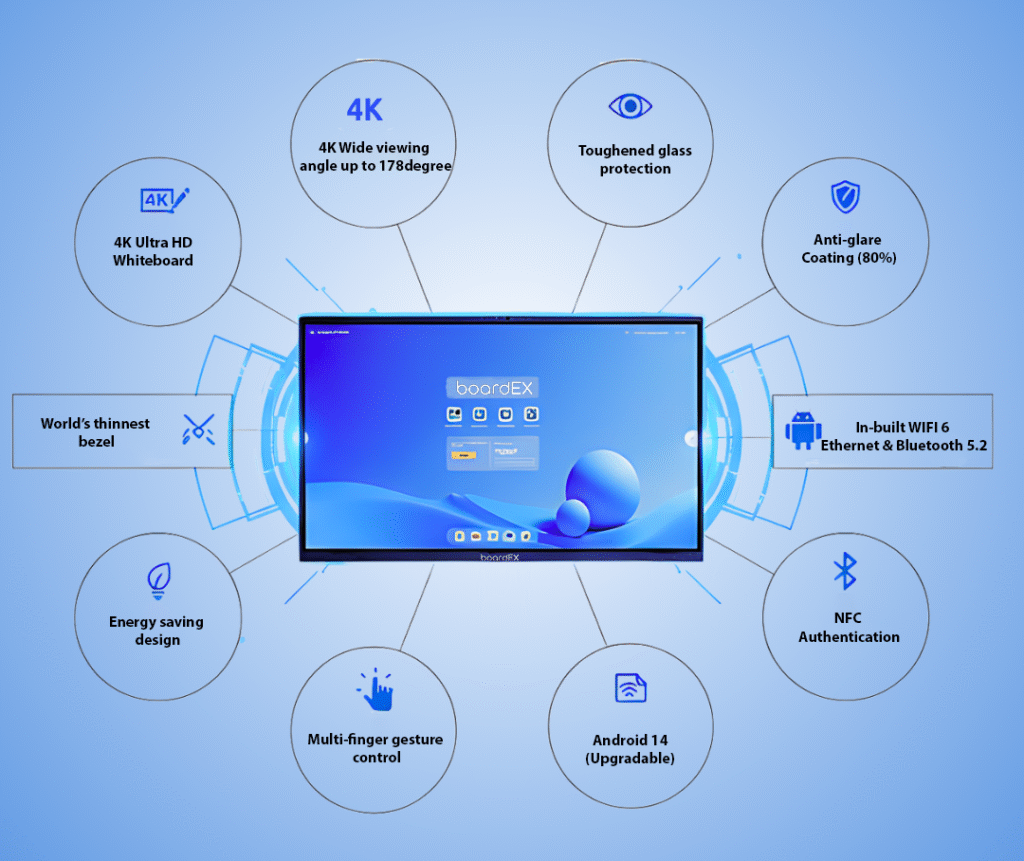
These interactive displays combine the functionality of a digital board, smart whiteboard, visualizer, and multimedia system into a single, touch-enabled device. For teachers, this means better teaching, real-time student engagement, collaborative learning opportunities, and enhanced teaching experiences.
Boardex’s interactive flat panel displays offer countless creative ways to deliver lessons interactively, whether in maths, science, English, or geography. Let’s explore 10 interesting ways to use interactive flat panel displays in the classroom.
Table of Contents
1. Create Engaging Multimedia Lessons – Smart Ways to use Interactive Flat Panel
One of the biggest advantages of using an interactive flat panel display is combining multiple digital resources in a single lesson.
Benefits for teachers:
- Teach complex topics with clarity
- Keep students focused and motivated
- Reduce explanation time
- Incorporate videos, animations, images, and diagrams
Practical classroom examples:
- Display 3D models of the solar system or human anatomy
- Play animated science simulations like evaporation or digestion
- Show historical documentaries during social studies
- Use sound clips for phonics lessons in primary classrooms
These interactive displays improve education by turning classroom learning into a dynamic, visual, and memorable experience.
2. Use Digital Whiteboarding for Clear, Organized Teaching
Boardex interactive panels come equipped with a digital whiteboard that allows teachers to write, draw, highlight, and annotate in real-time.
Why teachers love it:
- No markers or dusters required
- Mistakes can be erased instantly
- Notes can be saved and shared
- Insert images, shapes, tables, and graphs
Subjects that benefit:
- Mathematics: equations, graphs, steps
- English: grammar notes, sentence building
- Science: diagrams, mind maps
Using whiteboards in this way makes lessons interactive, helping students understand concepts better and making learning more interactive.
3. Encourage Student Collaboration with Multi-Touch Activities
Many interactive panels support multi-touch, allowing several students to interact simultaneously. This promotes active learning and teamwork.
Collaboration ideas:
- Two students solve a problem together on the digital board
- Group brainstorming using digital sticky notes
- Drag-and-drop vocabulary matching activities
- Group puzzle games or spelling contests
Benefits for students:
- Boosts confidence and creativity
- Improves communication skills
- Makes learning fun
Boardex smart boards transform traditional classrooms into interactive learning environments, giving students hands-on experiences.
4. Conduct Instant Quizzes, Polls & Assessments
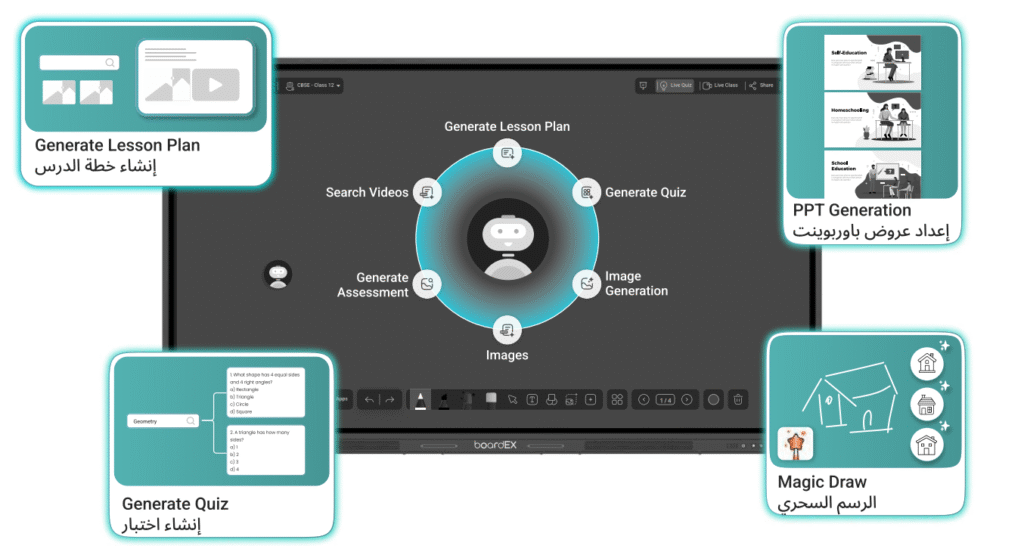
Teachers can run quizzes and polls directly on the interactive touch screen display using apps like Kahoot, Quizizz, or Google Forms.
Advantages:
- Real-time results
- Increased student participation
- Paperless and gamified learning
- Personalized learning insights
Classroom examples:
- Quick chapter quizzes
- Polls for checking comprehension
- Vocabulary competitions
- Timed quizzes to improve speed
This use of interactive displays enhances student engagement and allows teachers to monitor learning outcomes instantly.
5. Annotate Directly on Books, PDFs & Websites
Teachers can annotate digital textbooks, worksheets, and websites directly on the interactive flat panel display.
How it works:
- Highlight key sections
- Circle diagrams or keywords
- Write solutions on digital worksheets
- Explain difficult concepts with annotation tools
This method supports better teaching as it allows students to see clear explanations in real-time, improving retention and understanding.
6. Screen Share from Student Devices
Students can share their screens wirelessly, enabling presentations directly on the board for classroom use.
Why this matters:
- Gives students ownership of their work
- Encourages participation
- Enhances digital literacy
Examples:
- Show group projects on the digital board
- Share coding or science simulations
- Present creative art or STEM projects
This interactive capability ensures classrooms are student-centered and collaborative.
7. Bring Learning to Life with Educational Apps
Most interactive flat panel displays support Android or Windows apps, giving access to thousands of educational tools.
Examples:
- Maths problem-solving apps
- Phonics or English reading games
- Science simulations and virtual experiments
- Drawing and creativity apps
- Quiz and trivia games
Using these apps makes lessons more engaging, interactive, and memorable for students.
8. Record Lessons for Revision and Absentees
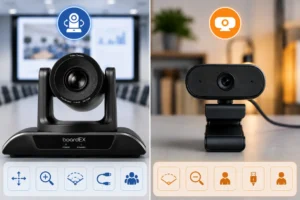
Boardex interactive flat panel displays allow screen recording, which is perfect for students who miss class or need revision.
Benefits:
- Students can revise at home
- Absent students don’t fall behind
- Teachers save time repeating lessons
- Supports flipped classroom strategies
This encourages independent learning and ensures no student is left behind.
9. Support Hybrid & Remote Learning Easily
IFPDs integrate with Zoom, Google Meet, and Microsoft Teams for remote teaching.
Advantages:
- Teachers can share lessons in real–time
- Students at home can interact via polls, quizzes, and collaborative activities
- Enables tutoring, after-school classes, or blended learning
This classroom technology allows schools to adapt to modern learning needs efficiently.
10. Use 3D Models & Simulations for STEM Subjects
Subjects like science, engineering, biology, chemistry, and physics become exciting through interactive simulations and 3D models.
Examples:
- Virtual dissections in biology
- Chemistry experiments safely demonstrated
- Physics simulations showing forces and mechanics
- Geography or architectural 3D models
- Astronomy exploration of planets and galaxies
This brings abstract concepts to life, making learning experiences richer and easier to understand.
Conclusion
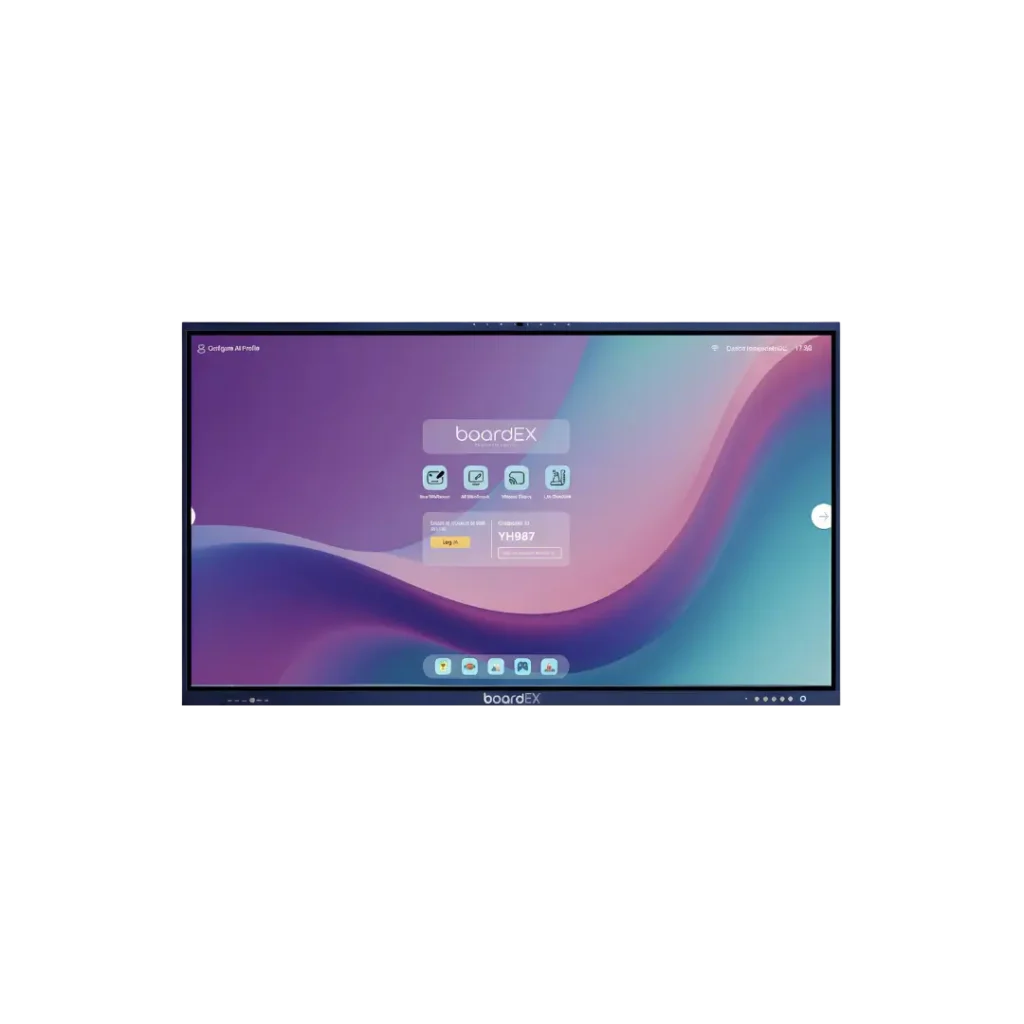
Boardex interactive flat panel displays are revolutionizing classroom learning. They allow teachers to use interactive teaching methods, create dynamic lessons, boost student engagement, and enhance collaborative learning. By integrating multimedia, digital whiteboards, educational apps, quizzes, screen sharing, and 3D simulations, teachers can transform their classrooms into smart, engaging learning spaces.
Teachers who adopt these innovative methods are not just enhancing teaching, they are preparing students for a digitally advanced future.
FAQs
1. What are the 10 ways to use technology in the classroom?
Technology can be used for interactive lessons, digital whiteboarding, multimedia content, quizzes, collaboration, screen sharing, educational games, lesson recording, hybrid classrooms, and 3D simulations.
2. What is the use of an interactive flat panel display?
An interactive flat panel display enables interactive teaching, annotation, multimedia lessons, screen sharing, quizzes, and collaborative classroom activities.
3. How can interactive whiteboards be used in the classroom?
Teachers can write, draw, annotate, display videos, conduct quizzes, and engage students in hands-on activities.
4. How can we use IFPs effectively?
Use IFPs by combining multimedia, interactive apps, collaborative tasks, lesson recording, and live annotations to make teaching more interactive and student-centered.