A smart tablet built for creative work needs three things to earn a place on your desk: a display accurate enough that the colors you see are the colors your client receives, a stylus responsive enough that your hand leads and the screen follows, and processing power that does not stall when a file grows past 50 layers.
Everything else, the brand name on the back, the marketing around AI features, the number of ports, is secondary. This guide cuts through the noise for artists, graphic designers, illustrators, and digital drawing professionals who need a tablet that actually performs under real creative workloads in late 2026.
Table of Contents
What Changed for Creative Tablets in 2026
The tablet market shifted in two directions this year. On the hardware side, OLED panels with full DCI-P3 coverage have moved from flagship-only to mid-range devices. On the software side, on-device AI processing is now standard rather than experimental.
What that means for creatives:
- Color accuracy has improved across price tiers. You no longer need a top-tier device to get a panel that covers 95%+ of the sRGB gamut.
- Stylus latency dropped below 5ms on most serious creative tablets, with some reaching sub-2ms. For artists working in fast, expressive strokes, that gap matters.
- AI-assisted features like auto-masking, smart object removal, and real-time style transfer now run locally instead of relying on cloud processing. Battery life and response time both benefit.
- App ecosystems matured. Procreate, Clip Studio Paint, Affinity Designer, and Adobe Fresco all received major 2026 updates optimized for the latest tablet hardware.
For anyone who searched for the best tablets for graphic designers or tablets for digital artists earlier in the year and found the same recycled 2024 recommendations, this is the updated picture.
What Makes a Tablet Genuinely Good for Creative Work
Not every tablet marketed to creatives actually holds up under professional use. These are the specs that separate a reliable creative tool from a frustration.
Display Quality
This is the single most important factor for graphic designers and illustrators. If the colors on your screen are wrong, the colors in your deliverable are wrong.
What to look for:
- Resolution: 2K minimum for detailed illustration work. 4K if you regularly work at print scale or handle high-resolution photo editing.
- Color gamut: 95%+ sRGB is the floor. For print designers, look for panels covering 90%+ of DCI-P3 or AdobeRGB.
- Panel type: OLED provides deeper blacks and better contrast for color-critical work. IPS LCD is acceptable at the mid-range if color calibration is solid.
- Laminated display: Reduces parallax, the gap between where your stylus tip lands and where the line appears. Non-laminated screens introduce visible offset that slows precision work.
Stylus Support That Feels Natural
For artists and illustrators, the stylus is the primary input device. It is not an accessory.
Key specifications:
- Pressure levels: 8,192 is sufficient for most illustration and design work. Some newer styli offer 16,384 levels, useful for detailed shading and calligraphy.
- Tilt detection: Essential for natural shading. Without it, you lose the ability to vary stroke width by angling the pen.
- Lag: Under 5ms feels natural. Anything above 10ms creates a visible delay between your hand movement and the on-screen stroke. Fast sketch artists notice immediately.
- Battery-free design: Eliminates the weight and charging interruptions of battery-powered styli.
Processing Power
Creative applications demand sustained performance, not burst performance. A tablet that handles the first ten layers smoothly but chokes at layer forty is not a professional tool.
Consider:
- RAM: 8GB handles most illustration and design work. 12GB or higher for video editing, 3D work, or complex multi-layer compositions.
- Storage: 128GB fills fast with high-resolution project files. 256GB is the practical minimum for professionals who keep active projects on-device.
- Processor: Look at real-world benchmark results in creative apps rather than chip generation numbers alone.
Battery Life for Long Creative Sessions

A tablet that dies mid-session breaks your workflow and your concentration. For professionals who work outside a studio, on site with clients, at events, or while traveling, 8+ hours of active screen-on time under creative workloads is the target.
Smart Tablets vs Dedicated Drawing Tablets
This is the decision that trips up a lot of first-time buyers. Both categories have a place, but they solve different problems.
Dedicated pen displays (Wacom Cintiq, Huion Kamvas, XP-Pen Artist series) connect to a separate computer and function as a high-precision drawing screen. They excel in controlled studio environments where the computer handles processing, and the display handles input. The trade-off: zero portability, additional hardware cost, and a permanent desk footprint.
Standalone smart tablets run their own operating system, apps, and storage. You draw, design, edit, export, and share from one device. For creatives who work across locations, present to clients in person, or simply want fewer cables, smart tablets have become the dominant choice.
In 2026, the performance gap between these categories has narrowed enough that most illustrators, graphic designers, and concept artists outside of high-end VFX and 3D production can do their primary work on a standalone tablet. The flexibility outweighs the marginal precision advantage of a dedicated display for the majority of creative workflows.
Choosing the Right Tablet for Your Creative Role
For Illustrators and Digital Artists
Illustrators spend hours in sustained drawing sessions. Comfort and responsiveness matter more than raw specs.
Prioritize:
- A large active drawing area (12 inches or above reduces the constant zoom-and-pan cycle)
- High pressure sensitivity with smooth pressure curves
- A matte or paper-textured screen surface that resists pen slippage
- Weight and ergonomics that support extended handheld or angled use
The tablet that feels right after four hours matters more than the one that impresses in a five-minute demo.
For Graphic Designers
Graphic designers work across formats: brand identity, layout, web design, packaging, presentations. The tablet needs to handle vector work, image editing, and typography with equal reliability.
Prioritize:
- Color accuracy above all. A panel that drifts warm or cool undermines every color decision you make.
- Strong file handling and multitasking. Switching between a layout app, image editor, and reference browser without stalling.
- Export and sharing capabilities. Designers deliver to clients and printers. Easy file export, cloud sync, and screen sharing save time.
- Keyboard and external display support for desk-based production sessions.
For Beginners and Students
If you are starting, resist the impulse to buy the most expensive device available.
Focus on:
- A stylus with genuine pressure sensitivity (not a capacitive tip that mimics finger input)
- A tablet that runs the creative apps you plan to learn on
- Balanced performance rather than maximum specs
- A price that lets you commit to learning without financial pressure
Many working professionals started on entry-level tablets and upgraded once they understood what their workflow actually demanded.
Where boardEX Smart Tablets Fit
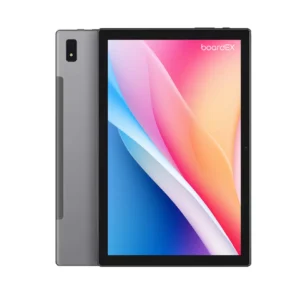
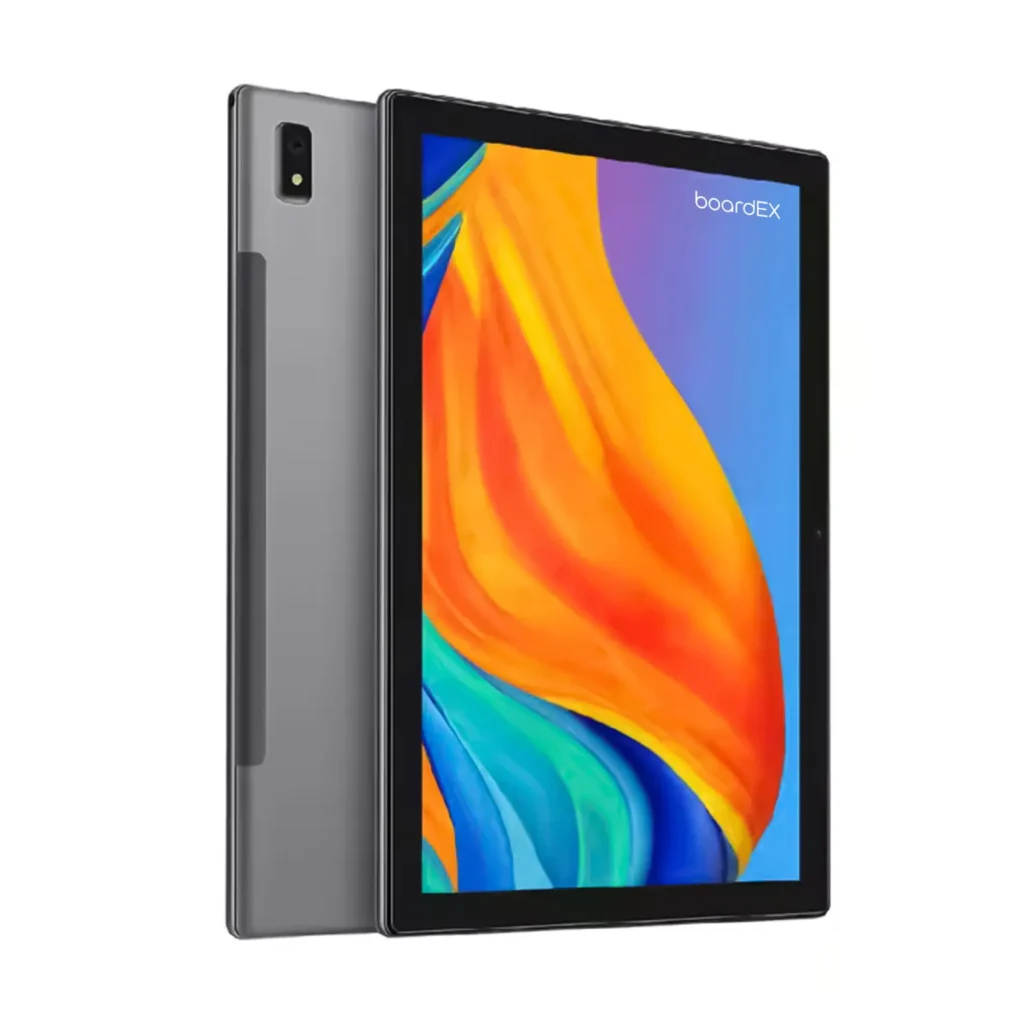
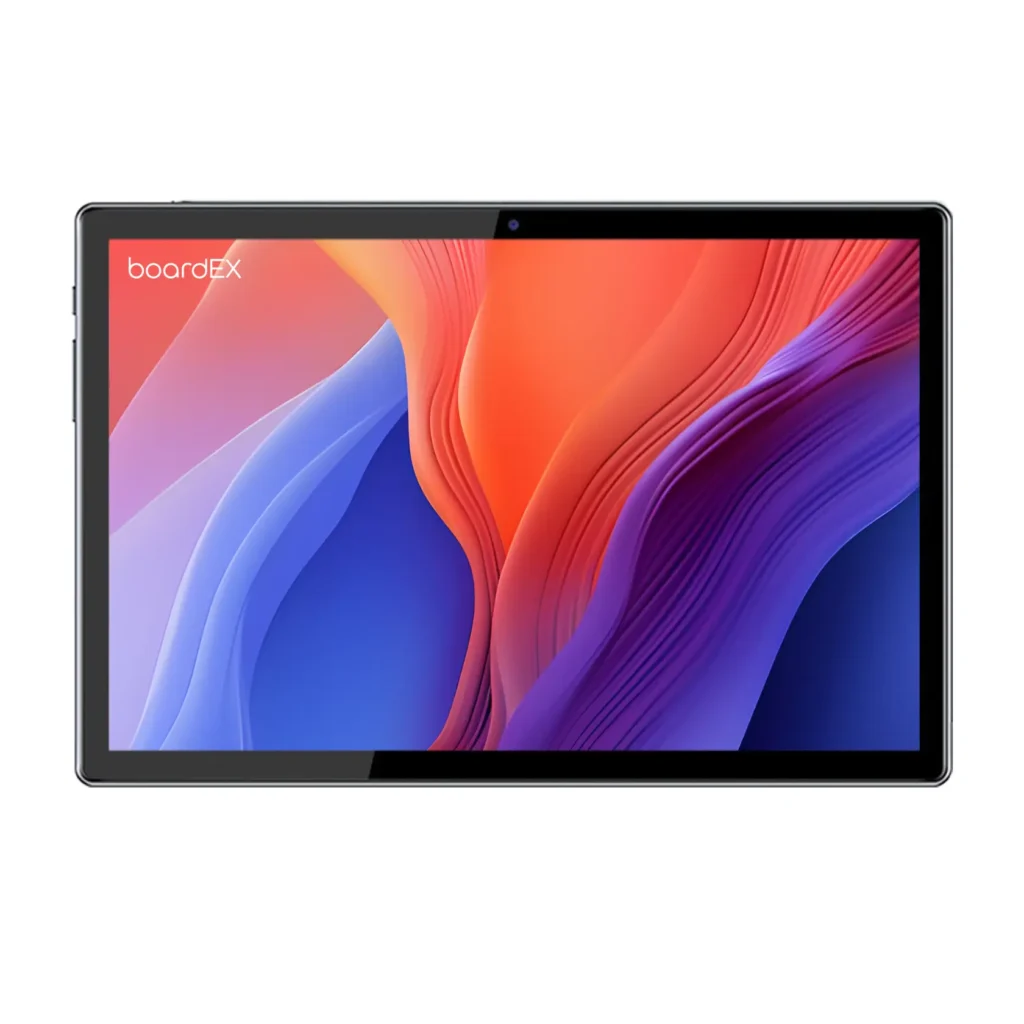
boardEX Smart Tablets are built for environments where a creative tablet is also a presentation tool, a teaching device, or a collaborative workspace.
Where they differ from consumer tablets marketed to individual artists:
- Designed for extended professional use in classrooms, design studios, training rooms, and corporate environments across Saudi Arabia
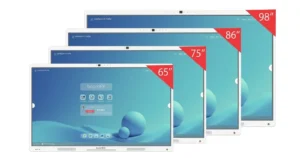
- Built to integrate with interactive flat panel displays, letting you sketch on the tablet and present on the big screen in the same workflow
- Stylus support with pressure sensitivity and tilt detection for drawing and annotation
- Android-based operating system compatible with major creative and productivity apps
For graphic designers and illustrators working within education, corporate training, or institutional environments in the Kingdom, the boardEX tablet bridges the gap between personal creative work and large-format presentation without switching devices.
Common Buying Mistakes to Avoid
Buying on brand alone. A well-known name does not guarantee the best creative experience at every price point. Compare actual display specs, stylus performance, and app support.
Ignoring display lamination. A non-laminated screen introduces parallax that makes precise line work harder. This is especially noticeable for illustrators working at fine detail.
Underestimating storage needs. A 64GB tablet fills quickly with high-resolution project files. Budget for at least 128GB, preferably 256GB, or confirm cloud storage and external drive support before buying.
Choosing specs over software. A powerful processor means nothing if the creative apps you rely on are not available or well-optimized for the tablet’s operating system. Check app availability before committing.
Overlooking after-sales support. Tablets are daily-use tools. A cracked screen, a failing stylus tip, or a battery issue mid-project is not just an inconvenience; it is lost work. Factor in warranty coverage and local support availability, especially for institutional buyers managing multiple devices.
What to Expect Next from Creative Tablets
The second half of 2026 is bringing a few developments worth watching:
- Local AI creative tools are expanding beyond photo editing into illustration. Expect AI-powered brush suggestions, auto-coloring, and layout generation that run entirely on-device.
- Stylus hardware continues to improve. Sub-2ms latency is becoming standard in mid-range devices, and new tip materials are closing the feel gap between digital and paper.
- Cross-device workflows are getting smoother. Start a sketch on a tablet, refine it on a desktop, and present it on a large display, all without manual file transfers.
For schools, universities, and corporate teams in Saudi Arabia evaluating creative tablets as part of a larger technology rollout, these trends matter. The tablet you choose today should work within the technology ecosystem you are building, not against it. Contact boardEX to discuss how smart tablets integrate with interactive displays for your environment.
Frequently Asked Questions
Are smart tablets good enough for professional illustration and digital art?
Yes. In 2026, standalone smart tablets with high-resolution displays and responsive styli handle professional illustration, digital painting, and graphic design work that previously required a dedicated computer and pen display setup. The key is choosing a tablet with adequate color accuracy, pressure-sensitive stylus support, and sufficient processing power for your specific creative applications.
What is the difference between a smart tablet and a traditional drawing tablet?
A traditional drawing tablet (pen tablet or pen display) connects to a separate computer and serves only as an input device. A smart tablet runs its own operating system and applications independently. Smart tablets combine drawing, editing, file management, and communication in one portable device. Traditional drawing tablets offer marginally better pen precision in some high-end models but require a full computer setup and a fixed workspace.
Which tablet specs matter most for graphic designers?
Color accuracy is the top priority. A display covering 95%+ sRGB with consistent calibration is essential for any color-critical design work. After that, look for a responsive stylus with pressure sensitivity, at least 8GB RAM for smooth multitasking across design applications, and 256GB storage for active project files. Keyboard and external display support adds significant value for layout and production work.
Can one tablet work for both drawing and graphic design?
Yes. Most professional-grade smart tablets in 2026 handle both illustration and graphic design workflows. The overlap in requirements, accurate display, responsive stylus, and strong processing, means a well-chosen creative tablet serves both disciplines. The difference is usually in software: illustrators lean toward painting apps like Procreate or Clip Studio Paint, while graphic designers rely more on vector and layout tools like Affinity Designer or Adobe Illustrator.
How do boardEX Smart Tablets support creative and educational environments?
boardEX Smart Tablets are designed for professional and institutional use across Saudi Arabia. They pair with boardEX interactive flat panel displays for seamless tablet-to-screen workflows. A teacher or designer can sketch on the tablet and present on a large display in real time. This makes them particularly suited to schools, training centers, and corporate design teams that need both personal creative devices and shared presentation tools.
What should I check before buying a creative tablet in Saudi Arabia?
Five things: display color accuracy (request the sRGB or DCI-P3 coverage percentage), stylus pressure sensitivity and tilt support, RAM and storage capacity for your workload, local warranty and after-sales service availability, and compatibility with the creative apps you use daily. For institutional purchases involving multiple devices, also confirm bulk pricing, installation support, and integration with existing classroom or boardroom technology.