Creative work has always been personal. Whether it’s a rough sketch made late at night or a polished design sent to a client, every creative process starts with an idea. And the tools? Yes, the tools you use matter more than most people realise.
In 2026, smart tablets have become the first choice for artists, designers, and illustrators who want freedom without sacrificing quality. Many creatives who once searched for the best smart tablets for creative work or drawing are now upgrading to more advanced, flexible solutions that fully support modern creative workflows.
This guide is written for real creatives, not tech reviewers. If you are looking for tablets for creative work that actually make sense for design, art, and drawing, you’re in the right place.
Table of Contents
Why Smart Tablets Are Now Essential for Creative Work
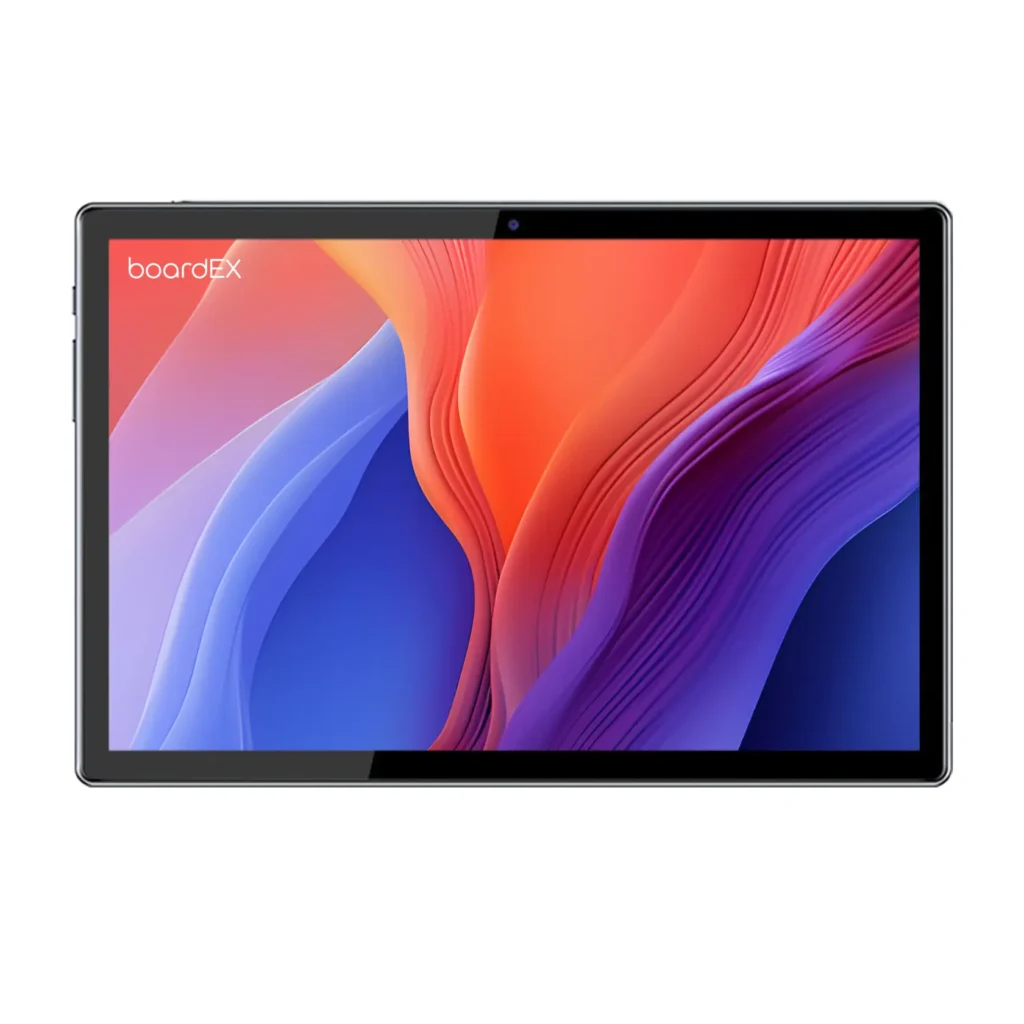
Not long ago, creative professionals relied on heavy laptops or separate drawing pads connected to computers. Today, a single creative tablet can handle sketching, illustration, graphic design, editing, and even presentations.
Smart tablets allow you to:
- Draw directly on the screen with natural hand movement
- Work from anywhere without extra equipment
- Switch between apps without breaking creative flow
- Replace traditional drawing tablet setups
For many creatives, smart tablets are no longer accessories, they are the main workspace.
What Makes a Tablet Ideal for Creative Professionals?
Choosing the right tablet for creative work is not about hype. It’s about how the device supports your creativity.
Display Quality Comes First
A proper digital art tablet must show your work accurately.
Look for:
- Sharp resolution for fine details
- Strong color accuracy for design and illustration
- Smooth visuals so strokes feel natural
If colors look wrong on your screen, they will look wrong everywhere else.
Stylus Support That Feels Natural
A tablet with stylus support is essential for creatives. The pen should feel responsive and precise, not delayed or slippery.
Good stylus support includes:
- Pressure sensitivity for expressive strokes
- Tilt detection for shading and depth
- Minimal lag so lines follow your hand
For illustrators and designers, the stylus is not an accessory, it’s the core tool.
Performance That Matches Creative Demands
Modern creative apps are powerful. A good tablet for graphic design must handle:
- Large files
- Multiple layers
- High-resolution canvases
- Smooth multitasking
Performance issues break concentration, and concentration is everything in creative work.
Battery Life for Long Creative Sessions
Ideas don’t follow charging schedules. Whether you’re traveling or working long hours, your tablet should last a full creative day without constant charging.
Best tablets for creative professionals 2026
For creative professionals in 2026, the right tablet is not just a device; it’s a direct extension of your creative instinct. Whether you’re a graphic designer refining brand visuals, a digital illustrator working on commissions, or a concept artist building worlds from scratch, the tablet you choose shapes how fast your ideas come to life.
The best tablets for creative professionals deliver on four things: a high-resolution, colour-accurate display that shows your work as it truly is; a responsive stylus with genuine pressure sensitivity and tilt detection; a processor powerful enough to handle large files, multiple layers, and real-time rendering without slowdown; and a build light enough to carry into studios, co-working spaces, or client meetings.
Beyond raw performance, the best creative tablets integrate smoothly into professional workflows. They connect with cloud storage and creative apps, support external keyboards and displays, and make sharing, presenting, and exporting work feel effortless. For professionals who need consistency across every project, these features are not optional extras, they are the baseline.
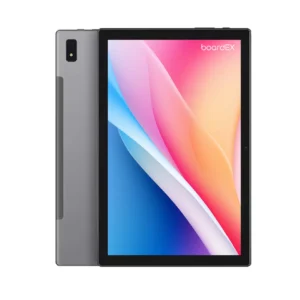
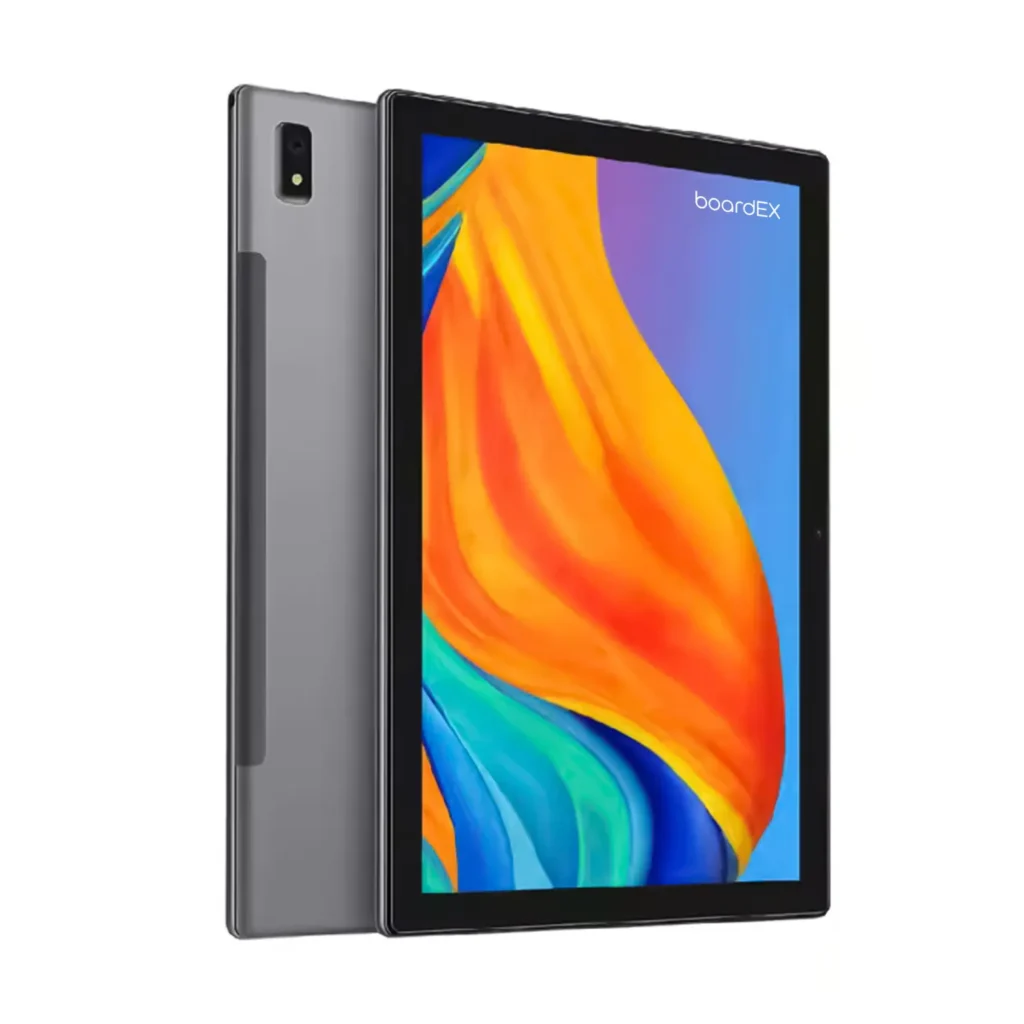
boardEX Smart Tablets are built with these exact demands in mind. Designed for precision and extended use, they bring together the display quality, stylus performance, and processing power that creative professionals rely on daily.
Smart Tablets vs Traditional Drawing Tablets
Many artists still compare smart tablets with classic drawing tablets.
Traditional drawing tablets:
- Require a separate computer
- Are limited to desk setups
- Works well for studio-only workflows
Smart tablets:
- Work independently
- Combine drawing, design, and editing in one device
- Act as a strong drawing tablet alternative
For most creatives in 2026, smart tablets offer flexibility that traditional setups cannot.
Choosing the Right Tablet Based on Your Creative Role
Tablet for Illustrators
Illustrators need:
- Large, comfortable drawing space
- High pressure sensitivity
- Smooth brush response
A strong tablet for illustrators allows long drawing sessions without strain.
Tablet for Designers
Designers need:
- Color accuracy
- Strong file handling
- Easy exporting and collaboration
A reliable tablet for designers supports branding, layout, and visual storytelling.
Beginners and Students
If you’re starting:
- Focus on stylus quality first
- Choose balanced performance over extra features
- Don’t overspend early
Many beginners who start with creative tablets grow faster because the tools feel intuitive.
Creative Tablets and Popular Use Cases
In 2026, creative tablets are widely used for:
- Digital illustration and sketching
- Graphic design and branding
- Photo editing and retouching
- Concept art and storyboarding
- Note-taking and idea planning
For many professionals, tablets have fully replaced laptops for creative tasks.
Common Mistakes Creatives Make When Buying Tablets
Avoid these common errors:
- Buying a tablet without proper stylus support
- Ignoring display quality
- Choosing low storage for large creative files
- Paying for features that don’t support your workflow
The right tablet should simplify your process, not complicate it.
Looking Ahead: The Future of Creative Tablets
Creative technology continues to evolve. The future of smart tablets includes:
- AI-assisted sketching and design tools
- Faster and more accurate stylus response
- Better cloud collaboration
- Smarter multitasking for creatives
What once required a full studio setup now fits in your bag.
Best tablets for creative professionals
For creative professionals in 2026, a good tablet feels like a natural extension of your creative process. Designers, illustrators, and digital artists rely on tablets that deliver smooth performance, accurate color reproduction, and responsive stylus input. A high-resolution display, strong processing power, and reliable drawing precision make a real difference when working on detailed illustrations, graphic design projects, or digital art commissions.
Just as important is how the tablet supports everyday creative workflows. Easy file sharing, compatibility with professional design apps, and support for keyboards or external displays allow creators to work efficiently from anywhere. The best tablets for creative professionals are not only built for drawing and sketching, but also for editing, presenting, and completing creative work with confidence and consistency.
Frequently Asked Questions
Are smart tablets suitable for professional creative work?
Yes. Many professionals now rely entirely on smart tablets for daily creative tasks.
Is a smart tablet a good alternative to a drawing tablet?
Absolutely. For many artists, smart tablets have replaced traditional drawing tablets.
Can a tablet handle both design and illustration?
Yes. Modern tablets for creative work support both graphic design and digital art efficiently.
How do I choose the right tablet for my role?
Illustrators: Large drawing space, pressure sensitivity, smooth brush response
Designers: Color accuracy, file handling, export options
Beginners/Students: Intuitive stylus, balanced performance, affordable
Do smart tablets support collaboration and hybrid work?
Yes. They integrate with cloud platforms, screen sharing, and creative apps to allow smooth team collaboration.
How important is stylus quality?
Essential. Pressure sensitivity, tilt detection, and minimal lag are critical for natural strokes and professional results.
Best tablets for creative professionals and everyday users 2026
When people search for the best tablets for creative professionals and everyday users in 2026, they’re really looking for one device that can do it all, handle digital art, video editing, note‑taking, and everyday entertainment without feeling slow or complicated. In our 2026 picks, we highlight tablets that support a responsive stylus, have colour‑accurate displays for design work, and offer strong battery life, while still being light and comfortable enough for browsing, streaming, and studying throughout the day. The best choices strike a balance between powerful processors and plenty of storage (for RAW photos, project files, and apps) and an interface that feels simple and intuitive, so both serious creators and casual users enjoy using the same tablet. If you’re a teacher, student, or creative professional, these tablets also work seamlessly with boardEX tools, letting you sketch ideas on the move and then bring them onto a classroom display or into a larger creative workflow later.
Is It Best Tablets for Creative Professionals?
The short answer is yes — but only if the tablet matches your specific creative needs. Not every tablet marketed for creative work actually delivers in real professional use. The difference between a good tablet and the right tablet comes down to how well it supports your daily workflow.
For professional designers and illustrators, the best tablets offer a combination of display accuracy, stylus precision, and processing power that holds up under real workloads. A tablet that handles large Photoshop files smoothly, renders brush strokes without lag, and displays colours accurately across different lighting conditions — that is a tablet worth calling professional.
What separates a truly professional creative tablet from a basic one is consistency. It performs the same on hour one as it does on hour eight. The stylus responds the same on fine detail work as it does to broad strokes. The display stays accurate whether you are working on a logo, an illustration, or a full brand identity project.
So is it the best tablet for creative professionals? Ask yourself three things: Does it handle your go-to creative apps without slowdown? Does the stylus feel natural and precise? Does the display show your work accurately? If the answer to all three is yes, you have found your creative tablet.
boardEX Smart Tablets are designed with exactly these standards in mind, giving creative professionals a reliable, high-performance workspace wherever they work.
Final Thoughts: Choosing the Right Smart Tablet in 2026

A good smart tablet doesn’t just run apps, it supports ideas. It moves with you, adapts to your style, and helps turn thoughts into visuals faster than ever before. In 2026, tablets for creative work are no longer tools of convenience; they are tools of expression.
If you’re exploring smart, reliable solutions for creative environments, educational spaces, or professional setups, companies like boardEX continue to shape how modern creativity and technology work together.
Creativity comes from you, but the right tablet makes the process smoother, faster, and more enjoyable!