For most Saudi schools, Wi-Fi tablets are the cheaper and simpler choice when students only use them on campus. A 5G tablet for schools earns its extra cost when learning leaves the building. That covers homework in homes without broadband, field trips, teachers who move between campuses, and schools where the Wi-Fi can't carry a full class online at once. Many schools end up buying a mix of both.
This guide covers the real differences between the two, how much mobile data a tablet actually uses, and five questions to answer before you place an order.
What actually changes when a tablet has 5G?
A 5G tablet has a SIM slot and connects straight to a mobile network. A Wi-Fi tablet needs a router or access point nearby. That one difference changes three things for a school:
- Every 5G tablet needs a data plan. Someone has to pay for it and manage it.
- Your school firewall no longer filters it. Traffic on mobile data doesn't pass through your school network.
- It works wherever there's signal. That includes a bus, a museum or a student's home.
One point often gets missed. 5G tablets connect to Wi-Fi too. So the real choice is not "5G or Wi-Fi" but "Wi-Fi only" or "Wi-Fi plus mobile data".
5G vs Wi-Fi tablets at a glance
| Factor | Wi-Fi only tablet | 5G tablet |
|---|---|---|
| Where it works | Near a Wi-Fi network | Anywhere with mobile signal, plus Wi-Fi |
| Upfront cost | Usually lower | Usually higher, because of the modem and antennas |
| Monthly cost | None beyond school internet | A data plan per device |
| Content filtering | Handled by the school firewall on campus | Needs filtering on the device itself (MDM) |
| If school Wi-Fi goes down | The tablet goes offline | Can switch to mobile data |
| Setup | Connect once to the school network | SIM activation and data plan management |
| Best for | Classroom carts, campus-only use | Teachers, trips, remote learning, backup |
When do Wi-Fi-only tablets make more sense?
Wi-Fi tablets are the better fit when devices stay on campus, such as in charging carts that move between classrooms. You avoid monthly data bills, and your existing firewall already controls what students can open.
The real question is whether your network can carry the load. Zoom's bandwidth guidance recommends 2.6 Mbps download and 1.8 Mbps upload per device for group video calls in 720p HD. For 30 students on a live call in one room, that's roughly 78 Mbps of download traffic through that room's access points. If your Wi-Fi struggles today with a single class online, adding more tablets won't fix it. Upgrading the network will.
Wi-Fi models usually make sense when:
- Tablets are used only during school hours, on campus
- The school already has strong, recently upgraded Wi-Fi
- The budget is fixed, and monthly data costs are hard to approve
- The IT team wants all filtering in one place
When is a 5G tablet worth it for a Saudi school?
The value of 5G shows up where Wi-Fi can't reach or can't be trusted. The most common cases are:
- Students without home broadband. A SIM-enabled tablet lets them join online lessons and submit homework from home.
- Teachers and supervisors on the move. Staff who work across buildings or campuses stay connected without logging into different networks.
- Field trips and outdoor learning. Science trips, sports days and visits to museums or heritage sites.
- Backup during outages. When campus Wi-Fi drops, 5G devices can keep working.
- New or small campuses. A branch waiting for a network upgrade can run on mobile data in the meantime.
Is Saudi 5G coverage good enough for learning?
For most urban students, yes. By Q1 2025, 5G networks covered about 78% of Saudi Arabia's population, according to GSMA Intelligence. In a 2025 benchmark, the operator with the widest 5G reach covered 88% of its users.
Coverage is still thinner in rural areas than in cities. That pattern holds worldwide: in high-income countries, 5G reaches 89% of people in urban areas but only 59% in rural areas. If some of your students live outside the main cities, test the signal at a few homes before you buy.
When 5G isn't available, the tablet falls back to 4G. That's still enough for video lessons, since Zoom lists 4G/LTE as a supported connection type.
Check the bands, too. Saudi operators run 5G mainly in the 3.5 GHz range, and Saudi Arabia has made more 3.5 GHz spectrum available than any country except Japan. A tablet that supports bands N77 and N78 covers this range.
How much mobile data does a school tablet use?
Live video is what uses the most data. Here is our estimate, based on Zoom's recommended bandwidth for group calls. At standard quality, Zoom recommends 1.0 Mbps download and 600 Kbps upload, which works out to roughly 0.7 GB per hour. At 720p HD, it recommends 2.6 Mbps download and 1.8 Mbps upload, or roughly 2 GB per hour.
For a student with two hours of live lessons a day over a 20-day school month, that means:
- About 29 GB a month at standard quality
- About 80 GB a month at 720p HD
Real use will vary with the app, the video settings, and how many cameras are on. Two settings make a big difference: setting video to standard quality, and turning off incoming video when students only need the teacher's screen.
Who controls what students see on a SIM tablet?
On school Wi-Fi, your firewall or DNS filter decides which sites students can reach. On mobile data, the tablet goes around that filter completely. So the rules have to live on the device.
This is the job of mobile device management (MDM) software. MDM lets the school approve which apps can be installed, filter websites, push updates, and lock or find a lost tablet. On Android, this works through Android Enterprise. Before you order, confirm that the tablet model works with the MDM your school uses or plans to use.
Then settle the SIM side before the first tablet goes out:
- Who pays for the data?
- What is the monthly cap?
- What happens when a SIM is lost?
- Who handles top-ups and renewals?
Can a school mix 5G and Wi-Fi tablets?
Yes, and for many schools this is the most practical setup. 5G tablets run on campus Wi-Fi just like Wi-Fi models, so the two can sit in the same classroom and use the same apps.
A common split looks like this:
- Wi-Fi tablets for classroom carts and younger grades
- 5G tablets for teachers, administrators, trip kits, and students who need connectivity at home
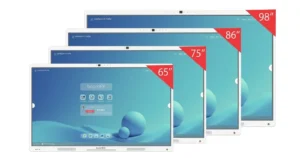
In classrooms that already have interactive flat panels for schools, tablets add a personal screen for each student alongside the shared screen at the front of the room.
If you're still deciding what kind of device to buy in the first place, our comparison of smart tablets and traditional tablets covers the basics.
Five questions to answer before you buy
- Where will the tablets spend most of their time? If the answer is "on campus", start with Wi-Fi.
- Can your Wi-Fi handle a full class on video at once? Test it with a real lesson, not a speed test from the staff room.
- Who pays for mobile data, and what's the monthly cap? Get this approved before you order.
- How will you filter content off campus? No MDM plan means no SIM tablets for students.
- Does the tablet support Saudi 5G bands? Look for N77 and N78, and ask the supplier to confirm the band list for Saudi shipments.
Where the boardEX C11 5G fits
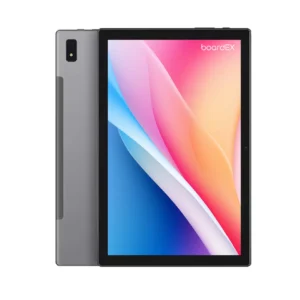
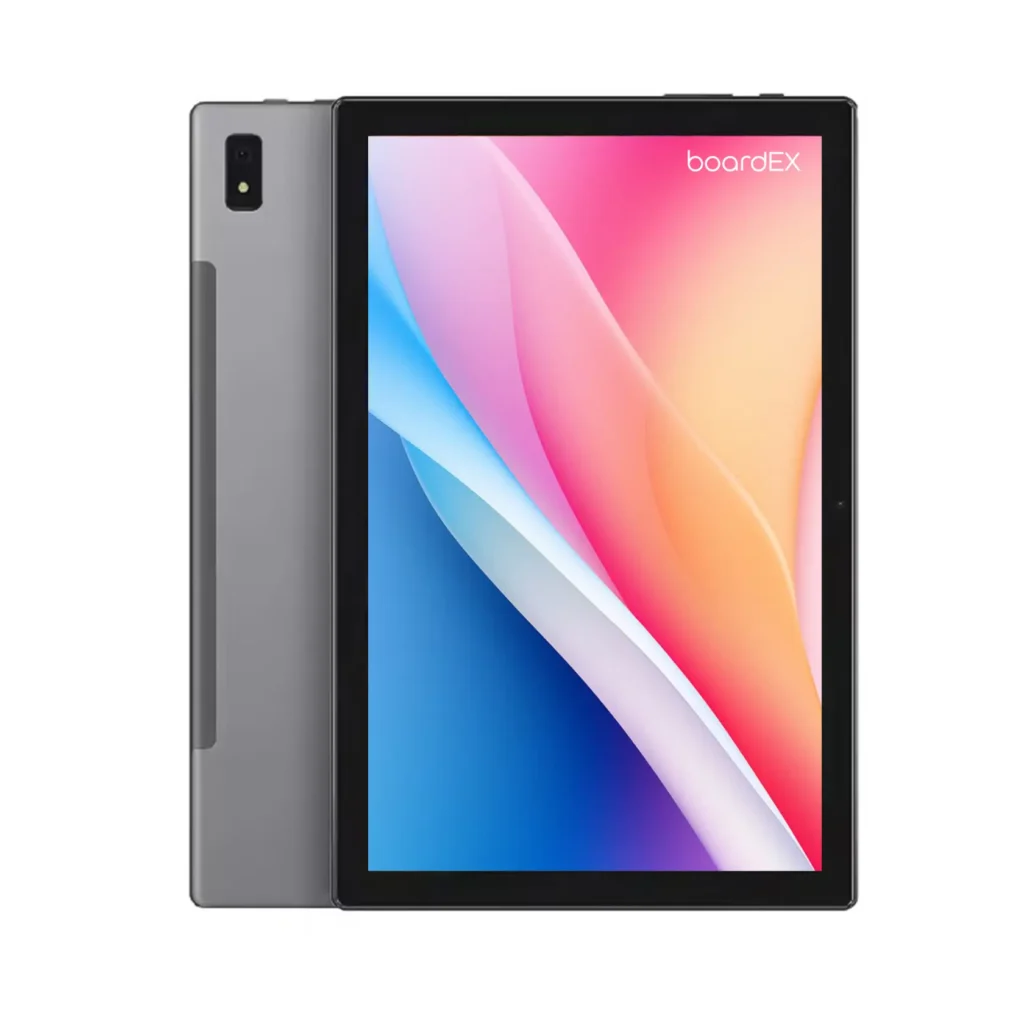
If your answers point toward 5G, the boardEX C11 5G is built for that job:
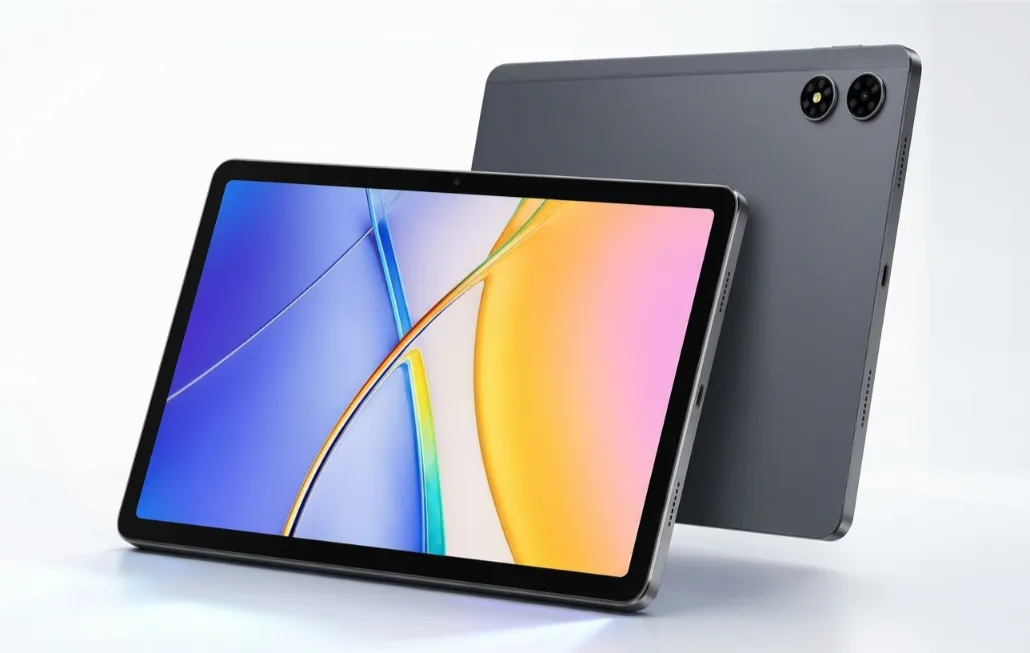
- Saudi 5G bands. It supports N77 and N78, the bands covering the 3.5 GHz range.
- Wi-Fi fallback. It also connects over dual-band Wi-Fi (2.4GHz and 5GHz), so it works the same way on campus.
- Battery and software. It has an 8000mAh battery and runs Android 16 with Google Mobile Services.
One thing to know for schools: the second card slot takes either a SIM or a microSD card, not both at once. Final band support depends on shipment configuration, so confirm it for your order.
You can check the full specs on the boardEX smart tablet series page.
FAQs
Do 5G tablets work on school Wi-Fi?
Yes. A 5G tablet connects to Wi-Fi just like a Wi-Fi-only model. Many schools switch off mobile data on campus so that traffic goes through the school network and its filters.
Is 4G enough if 5G isn't available?
For most video lessons, yes. A group video call at 720p needs about 2.6 Mbps download per device, which a normal 4G connection can usually handle. The tablet switches to 4G automatically when 5G drops.
Should every student get a SIM tablet?
Usually not. Most schools give SIM tablets to the students who don't have reliable home internet, plus teachers and trip kits. Wi-Fi tablets cover the rest.
How much data does a student need each month?
Based on Zoom's recommended bandwidth, two hours of live lessons a day uses roughly 29 GB a month at standard quality and about 80 GB at 720p HD. Lowering the video quality cuts that sharply.
Not sure which mix fits your school? Talk to a boardEX advisor about your campus, your student numbers and how your lessons run, and we'll suggest a setup to match.
Talk to a boardEX Advisor