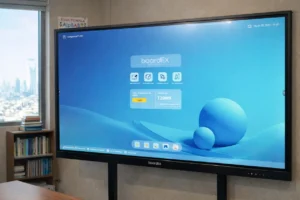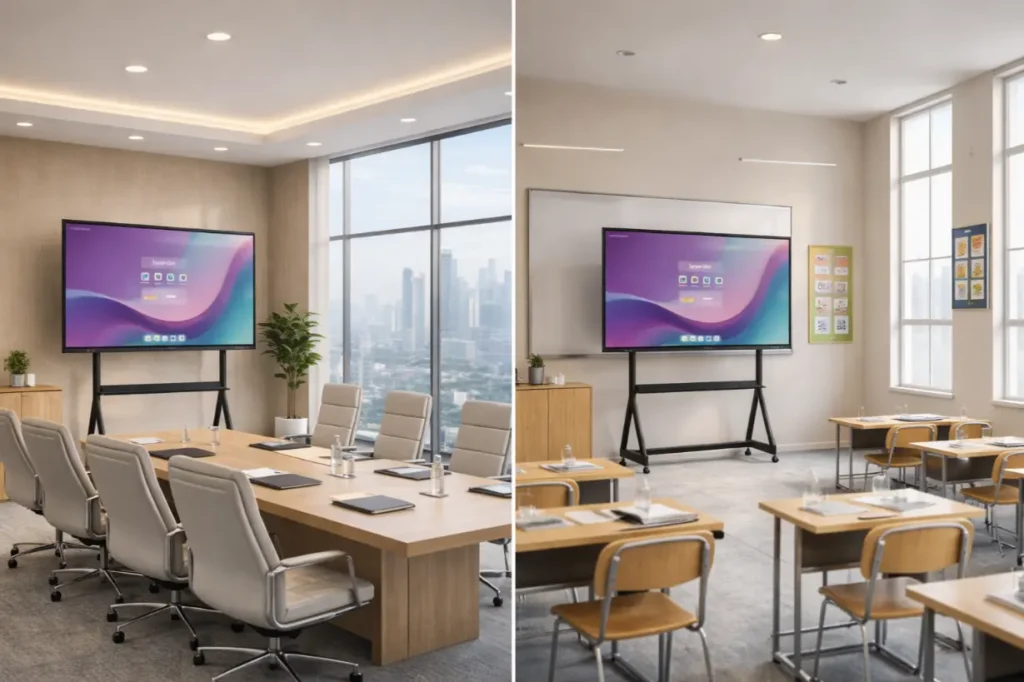
Choosing the right interactive flat panel trolley stand is just as important as selecting the screen itself. A strong, stable, and well-designed trolley stand keeps your interactive flat panel safe, comfortable to use, and long-lasting. In classrooms, offices, and training rooms, the right stand improves daily use and reduces risks.
This guide explains everything in simple terms so you can make a confident decision.
Table of Contents
1. Check Screen Size Compatibility
Start with the screen size. Interactive flat panels usually range from 55 inches to 86 inches.
A good trolley stand clearly states:
- Minimum supported screen size
- Maximum supported screen size
If the stand does not match your panel size, it may tilt forward, feel unstable, or wear out quickly. Always choose the right interactive flat panel trolley stand designed for your exact screen range.
2. Confirm Weight Capacity
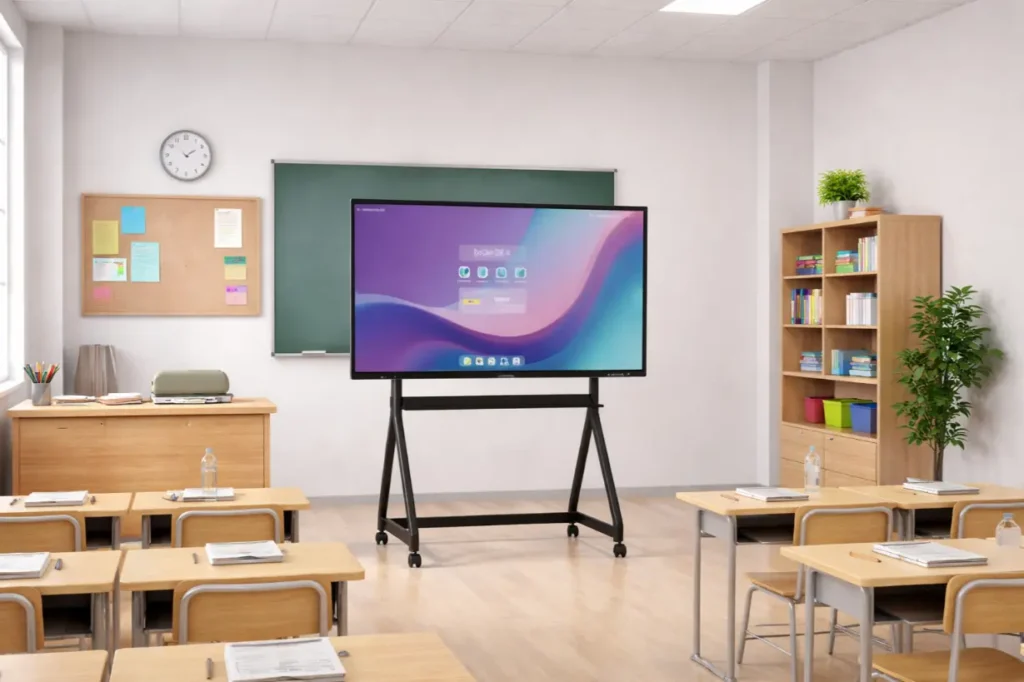
Weight support is critical for safety.
Before buying, check:
- The weight of your interactive flat panel
- The maximum load rating of the trolley stand
Choose the right interactive flat panel trolley stand that supports at least 20–30% more weight than your screen. This extra margin protects the frame, wheels, and mounting arms over time.
3. Look for Height Adjustment
Height adjustment makes a big difference in daily use.
A height-adjustable interactive flat panel trolley stand helps:
- Teachers present comfortably
- Students interact with ease
- Presenters avoid neck and shoulder strain
Manual height adjustment works well for most environments. Smooth locking mechanisms are crucial to ensure the screen stays firmly in place.
4. Focus on Stability and Base Design
A strong base keeps the panel steady during touch use.
Look for:
- Wide steel base
- Reinforced frame
- Anti-tip design
The stand should not shake when someone writes on the screen. Stability matters even more in classrooms and training spaces where interaction happens frequently.
5. Examine Wheel Quality and Brakes
High-quality wheels protect both users and floors.
A reliable interactive flat panel trolley stand includes:
- Heavy-duty caster wheels
- Smooth rolling movement
- Locking the brakes on at least two wheels
Once parked, the stand must stay firmly in place without sliding or drifting.
6. Check VESA Mounting Support
Most interactive flat panels use VESA mounting standards.
Before purchase, confirm:
- The VESA pattern supported by the trolley stand
- The VESA pattern required by your screen
Common patterns include 400×400, 600×400, and 800×600. A mismatch can cause installation problems or unsafe mounting.
7. Review Cable Management Options
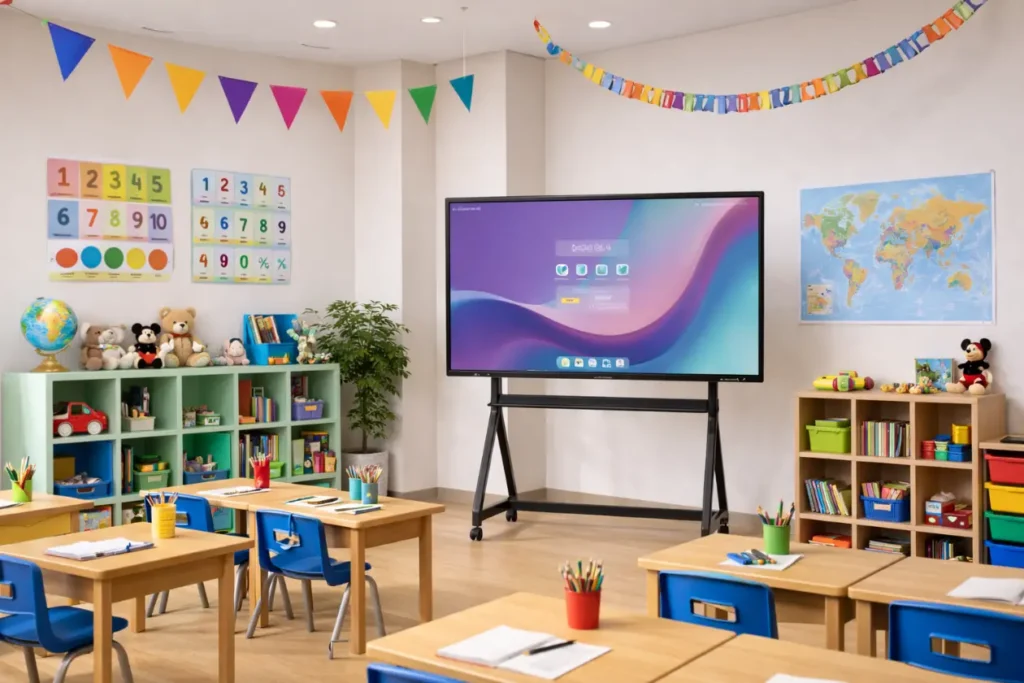
Loose cables create clutter and safety risks.
A good trolley stand offers:
- Built-in cable channels
- Rear cable covers
- Space to route power and data cables neatly
Clean cable management keeps the setup professional and prevents accidental pulls or damage.
8. Choose Strong Build Material
Material quality decides how long the stand will last.
The best interactive flat panel trolley stands use:
- Powder-coated steel frames
- Thick metal mounting brackets
- Scratch-resistant finishes
Avoid thin metal structures. They bend under load, reducing overall stability.
9. Think About the Usage Environment
Match the trolley stand to the place where it will be used.
- Classrooms: focus on stability, height adjustment, and safety
- Offices: clean design, neat cables, and strong brakes
- Training rooms: durability and smooth interaction support
Choosing based on real usage avoids future upgrades or replacements.
10. Safety Should Always Come First
Safety features protect both people and equipment.
Look for:
- Rounded edges
- Secure locking mechanisms
- Certified load ratings
A safe interactive flat panel trolley stand reduces the risk of tipping, falling, or screen damage.
Final Thoughts

The right interactive flat panel trolley stand supports your screen, improves user comfort, and protects your investment. By checking size compatibility, weight capacity, stability, height adjustment, and build quality, you can choose a stand that performs reliably every day.
With boardEX, a well-chosen trolley stand turns your interactive flat panel into a safe, professional, and easy-to-use display that enhances learning and delivers clear, confident presentations.
Frequently Asked Questions
How can schools in Saudi Arabia choose the right interactive screen for the classroom?
Schools in Saudi Arabia should choose an interactive screen based on classroom size, touch responsiveness, display resolution, and compatibility with digital learning platforms. A reliable interactive screen supports modern teaching methods and aligns with the Kingdom’s focus on smart education.
Why should KSA schools buy the best quality interactive flat panel trolley?
KSA schools should buy the best quality interactive flat panel trolley to ensure safety, stability, and flexibility. A strong trolley stand allows easy movement between classrooms and supports daily interactive use by students of different age groups.
What are the benefits of interactive display mounts and stands for Saudi classrooms?
Interactive display mounts and stands help Saudi classrooms achieve better screen positioning, improved visibility, and secure installation. They also support height adjustment and cable management, making interactive teaching more efficient and organized.
What should schools in Saudi Arabia check before buying an interactive flat panel trolley?
Before buying an interactive flat panel trolley, Saudi schools should check screen size compatibility, weight capacity, height adjustment options, wheel locks, and build quality to ensure long-term safety and reliable classroom performance.