Introduction
In today’s modern classroom, teaching and collaboration look very different from a few years ago. Traditional whiteboards and projector-based tools can’t keep up with the new learning needs. Schools and offices now need smart technologies, clearer visuals, and tools that allow teachers and students to interact with lessons in real time.
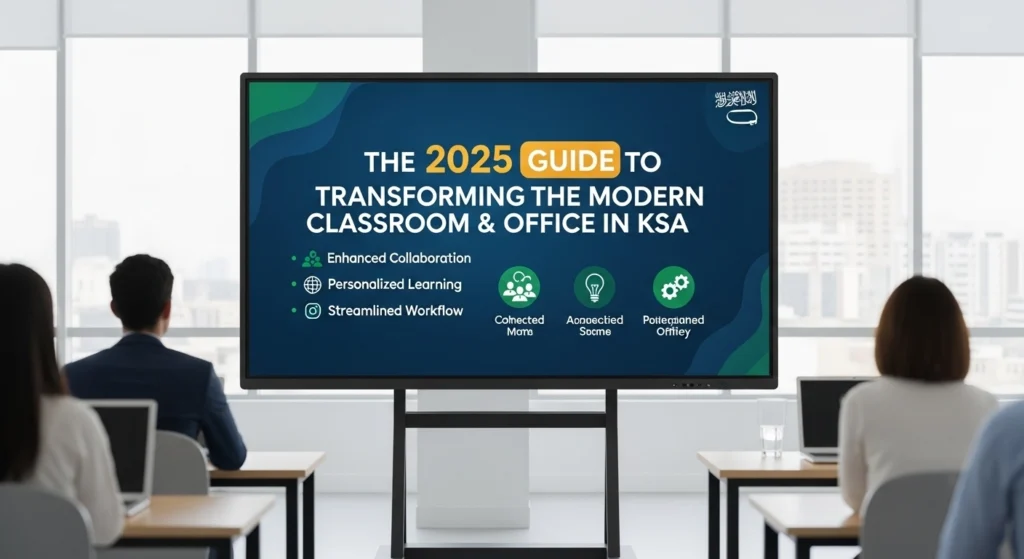
That’s why digital interactive boards and interactive whiteboards have become essential in 2026. These boards for classrooms are designed to transform the learning environment, support collaborative learning, and streamline daily tasks for everyone.
Table of Contents
What Is a Digital Interactive Board?
A digital interactive board is a multi-touch, touch-sensitive screen that combines the power of:
- A whiteboard
- A computer
- A smart board
- An interactive display
- A digital whiteboard
Think of it as a complete interactive digital teaching and presentation system. Users can interact with the board using a pen or finger, open apps, save lessons, and allow multiple students to interact with the screen at the same time.
This makes it a powerful digital board for teaching, planning, brainstorming, and engaging learners.
Why Interactive Whiteboards Are Growing in 2026
1. Better Engagement in the Classroom
Interactive whiteboards make learning visual, fun, and hands-on. They allow teachers and students to interact with lessons, improving student engagement and helping different learning styles.
2. Smarter Collaboration
Whether in classrooms or corporate offices, digital whiteboards support teamwork, remote collaboration, and real-time idea sharing.
3. Seamless User Experience
Today’s interactive flat panel displays and smart board interactive models come with built-in Android or Windows 11 computers, allowing teachers to open files, use educational software, and share screens easily.
4. Built to Last
Unlike traditional boards or projector-based systems, digital solutions offer durability, long-term value, and lower total cost of ownership.
Interactive digital whiteboard for teaching in 2026
As we move into 2026, the demand for an interactive digital whiteboard for teaching continues to grow across schools and universities in Saudi Arabia and beyond. Teachers today need tools that go beyond simple displays; they need boards that respond to touch, support multiple users at once, and connect seamlessly with digital learning platforms.
An interactive digital whiteboard for teaching in 2026 does exactly that: it brings lessons to life through real-time annotations, built-in apps, and cloud-based lesson saving, ensuring every student stays engaged whether they are in the room or learning remotely. With Saudi Arabia’s Vision 2030 driving smart classroom adoption, schools that invest in the right interactive digital whiteboard for teaching are not just upgrading their technology — they are future-proofing the entire learning experience.
How Interactive Whiteboards Transform the Classroom

Interactive Lessons
Teachers can highlight, annotate, and move digital objects, making learning more active.
Digital Learning Tools
Videos, maps, quizzes, and interactive displays help teach complex topics clearly.
Collaborative Learning
These boards allow multiple students to interact with the board at the same time, supporting teamwork and active engagement.
Save and Share Notes
Lessons can be saved directly to cloud platforms like Google Drive or OneDrive, helping students follow along from anywhere.
How Digital Boards Transform the Modern Office
Professional Presentations
Teams can write over slides, illustrate ideas, and display content clearly.
Remote Collaboration
With built-in conferencing apps, teams working in different locations can interact with the same content.
Brainstorming & Planning
Smart boards make meetings faster and more impactful by allowing real-time participation.
Key Features to Choose the Right Board
When selecting a board for your classroom or office, look for:
- 4K interactive display
- Multi-touch capability
- Built-in Android/Windows
- Wireless connectivity
- Durable, touch-sensitive glass
- Support for digital whiteboards, apps, and cloud tools
- Options like handwriting recognition, split-screen, and casting
This helps meet diverse learning needs and ensures the board fits your specific needs.
Interactive Boards in Saudi Arabia
Saudi Arabia is investing heavily in smart classrooms and modern education, making smart board Saudi Arabia solutions more in demand than ever.
Schools, universities, and government institutions are choosing:
- IQ Board interactive flat panel
- Best interactive flat panel systems for digital learning
- High-quality interactive flat panel display solutions
- Trusted smart board suppliers in Saudi Arabia
These tools help support digital transformation aligned with Vision 2030 and improve both teaching and workplace productivity.
Why Digital Interactive Boards Are the Future of Education
Interactive whiteboards support:
- Active learning
- Diverse learning needs
- Better classroom management
- Smooth digital learning experiences
- More impactful lessons
As traditional whiteboards become outdated, digital boards bring better interactivity, clearer visuals, and improved engagement.
Affordable Interactive Displays for UK Businesses 2026
If your UK business needs affordable interactive displays in 2026, we offer cost-effective solutions that bring collaboration and productivity to the next level. Our interactive displays combine responsive touchscreens, wireless connectivity, and intuitive software so your team can brainstorm, present, and share ideas without complexity or high costs.
We focus on giving UK businesses modern technology that fits tight budgets without compromising quality. These interactive displays are perfect for meeting rooms, training spaces, and client presentations, helping you improve engagement, save time, and get more value from your technology investment.
Best Interactive Display for Teachers
The best interactive display for teachers makes everyday teaching easier and more engaging. In 2026, digital interactive boards help teachers explain ideas clearly using touch, writing, images, and videos on one screen. Teachers can write notes, highlight key points, and involve students in real time, which keeps lessons active and focused.
The best interactive display for teachers also supports modern classrooms and online learning. Teachers can save lessons, share screens, and connect with learning apps without extra tools. This flexibility helps teachers adapt to different teaching styles and student needs, making the classroom more interactive, organised, and effective.
Interactive Boards in the Classroom
Interactive boards in the classroom help teachers turn lessons into active learning experiences. Instead of only listening, students can touch the screen, answer questions, and take part in activities. Teachers can show videos, explain diagrams, and update notes instantly, which keeps students interested and involved throughout the lesson.
Interactive boards in the classroom also make teaching more organised and flexible. Teachers can save lessons, reuse materials, and adjust content on the spot. Whether it is a primary classroom or a higher education setting, these boards support different learning styles and help create a more engaging and modern classroom environment.
Final Thoughts
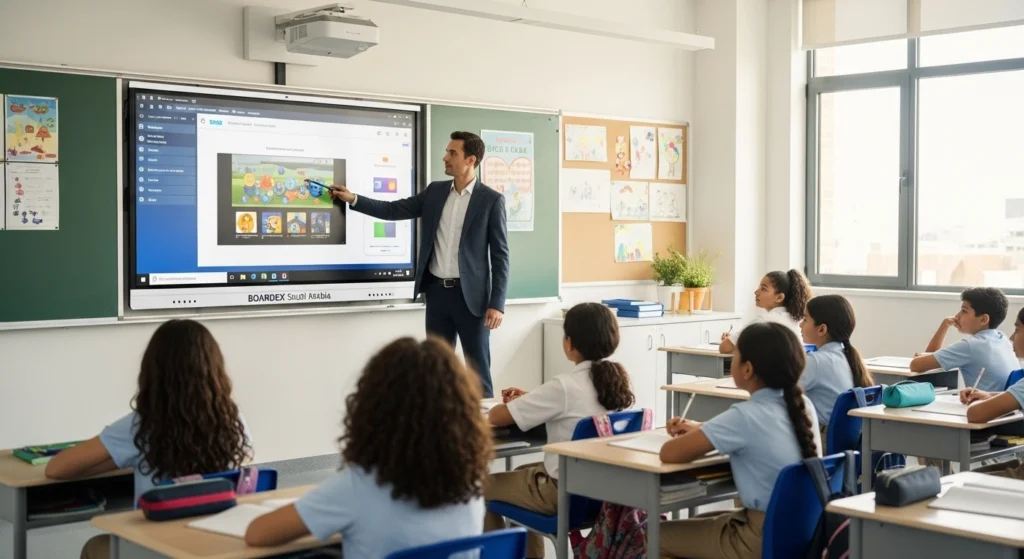
Digital interactive boards, smart boards, and interactive panels are no longer optional; they’re essential for any modern classroom or workplace. They simplify learning, support diverse teaching needs, and help teams collaborate more efficiently.
If you’re planning an upgrade in 2026, choosing the right interactive whiteboard or interactive flat panel display can completely transform your learning or working environment. With solutions from boardEX, you get reliable, innovative, and future-ready technology designed to elevate every experience.
How to Split Screen on a Smart Board?
To split the screen on a smart board, open the built-in whiteboard or home menu, tap the split-screen or dual-window icon in the toolbar, then choose two apps or sources to show side by side. Most modern interactive flat panels let you drag the divider to resize each half and run both windows at the same time, so you can display a lesson on one side and a video, browser, or document on the other. The exact icon placement varies by panel, but the steps below apply to almost every current smart board.
Step-by-step: splitting a smart board screen
- Open the toolbar or side menu. Tap the pop-up menu at the edge of the screen, or press the home button to reach the app launcher.
- Find the split-screen option. Look for a dual-window or split-view icon, often shown as a rectangle divided in two. On some panels, this sits inside the multitasking or window menu.
- Choose your two sources. Select the first app or input for the left side, then the second for the right. You can usually pair the whiteboard with a browser, a document, a screen-share, or an HDMI input.
- Adjust the divider. Drag the center line to give more space to whichever window needs it. Many boards also snap each window to exactly half.
- Interact with both. Because a smart board reads many touch points at once, one person can annotate on one side while another works on the other.
If your panel runs on Android and Windows through a built-in computer module, remember that split-screen behaves differently in each. The Android home screen uses the panel’s own window manager, while Windows uses the standard snap-to-side gesture. Knowing which system you are in saves confusion, and choosing between an Android and Windows interactive flat panel is worth thinking through before you buy.
Split screen is one of the features that makes an interactive whiteboard genuinely more useful than a projector in a classroom or meeting room, since two ideas can live on the board at the same time instead of one replacing the other.
Frequently Asked Questions
1. What is the best interactive whiteboard for education?
Models like IQ Board, SMART Board, BenQ, and Promethean are considered the best, offering 4K displays, multi-touch, and built-in teaching tools.
2. How is boardEX transforming the classroom?
boardEX makes learning more interactive with digital boards, online tools, AI-based learning, and hybrid teaching, improving engagement and outcomes.
3. What is an interactive digital board?
It’s a touch-enabled display that lets you write, draw, present, and interact with digital content, perfect for teaching and meetings.
4. Can you use a SMART Board without a computer?
Yes. Most modern SMART Boards work independently using a built-in Android system for whiteboarding, apps, and screen sharing.
5. Can you split the screen on a smart board?
Yes. Almost every modern smart board can display two windows side by side. Open the toolbar, tap the split-screen icon, and choose two apps or inputs to show at once. You can drag the divider to resize each half, and because the board reads multiple touch points, two people can work on each side at the same time.