Yes, an interactive flat panel is safe to use in a clinical environment when it is specified and cleaned the same way as any other shared surface in the building. The glass front of a panel is a sealed, non-porous surface that wipes down with standard hospital-approved disinfectant, which makes it easier to keep clean than the textured plastic of a keyboard, a remote control, or a shared mouse. The real question for an infection control lead is not whether the screen can carry germs, because every shared surface can. It is whether the panel can be disinfected quickly, repeatedly, and without damage. On that test, a quality panel does well.
This guide answers the hygiene objection directly, sets out a practical cleaning routine, and explains what to specify so a shared display does not become a weak point in your infection control plan.
Table of Contents
Why the hygiene question gets asked at all
Many hands touch a shared touch surface in a hospital across a single day. A panel at a nurse station, in a case review room, or in a patient education space is no different from a door handle, a lift button, or a workstation keyboard in that respect. Facilities teams are right to ask about it, because shared surfaces are part of how infections move through a building.
The point that often gets missed is the comparison. The surfaces a panel replaces are usually harder to clean, not easier. A keyboard has gaps between every key. A paper chart cannot be disinfected at all. A printed sign is rarely cleaned. A sealed glass screen, by contrast, is a single flat surface with no gaps, making it one of the easiest things in the room to wipe down properly.
The honest answer: a touch panel is not magically germ-free, and no surface in a hospital is. It is a surface that happens to be unusually easy to disinfect well, which is exactly what an infection control plan wants from a shared device.
What makes a panel cleanable: the features that matter
Hygiene starts at the specification stage, not at the cleaning trolley. A few build choices decide whether a screen can be disinfected properly without being damaged.
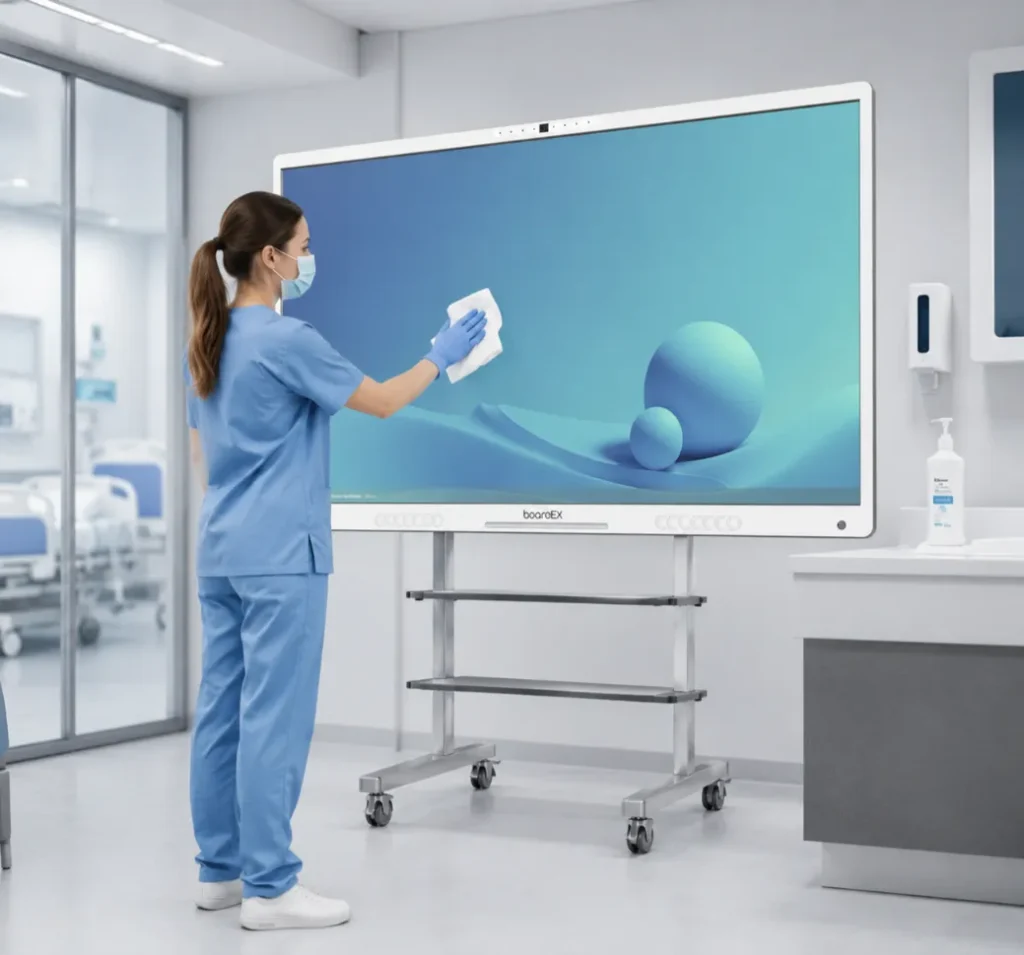
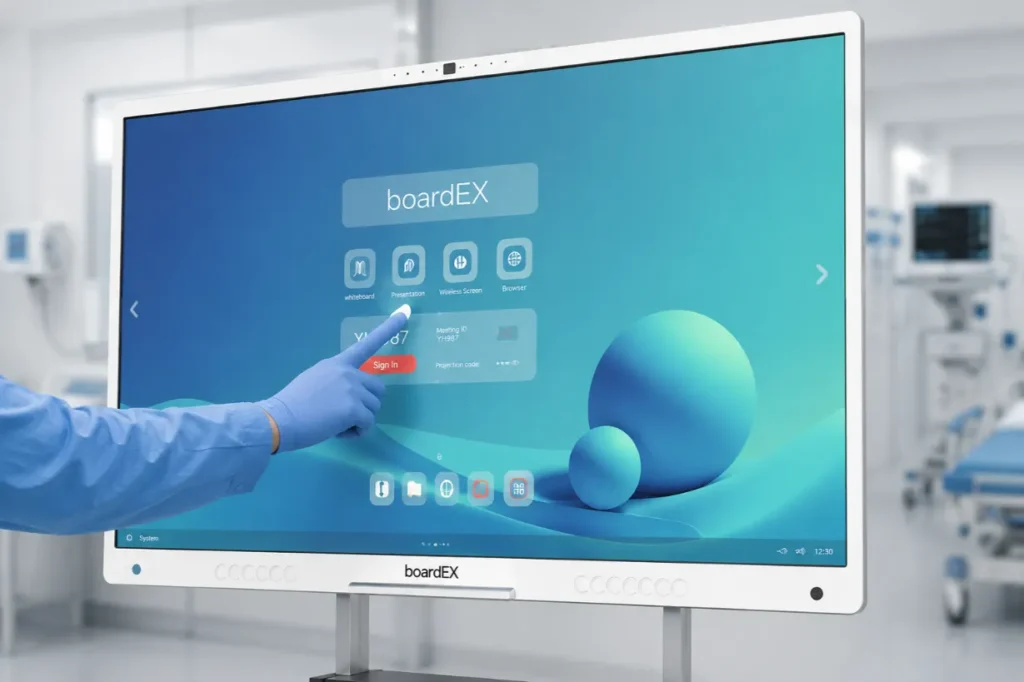
- Sealed, flat glass front. A single sheet of toughened glass with no recessed buttons or seams gives cleaning staff one continuous surface to wipe, with nowhere for fluid or residue to collect.
- A bezel that wipes clean. The frame around the glass should be smooth and flush, so the edge where most hands actually land does not trap grime.
- Chemical tolerance. The screen surface has to withstand repeated wiping with alcohol or chlorine-based disinfectants that a hospital already uses, without clouding or marking. This is the single most important thing to confirm before purchase.
- An anti-glare coating that survives cleaning. A coating that degrades under regular disinfection will haze over within months. A durable surface keeps both its clarity and its cleanability.
- A pen rather than fingers, where possible. Where a workflow allows it, using the supplied pen instead of bare fingertips reduces direct skin contact with the shared surface.
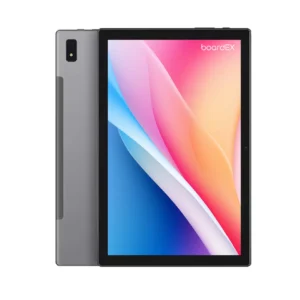
boardEX panels use a sealed 4K glass front with a flush bezel and an anti-glare surface built to take routine cleaning. Before specifying any screen for a clinical room, check its surface and coating specifications against the disinfectants your facility already uses, since chemical tolerance determines whether a panel survives daily wiping or hazes over within months.
A practical cleaning routine for a clinical panel
A shared display only stays safe if cleaning it is built into the daily routine rather than left to chance. The routine below is simple enough to follow many times a day.
Before you wipe
- Put the panel into a cleaning or standby state, or switch it off, so touches during cleaning do not trigger actions.
- Use the disinfectant your facility already approves for shared electronic surfaces. Do not introduce a new chemical without checking it against the panel’s tolerance first.
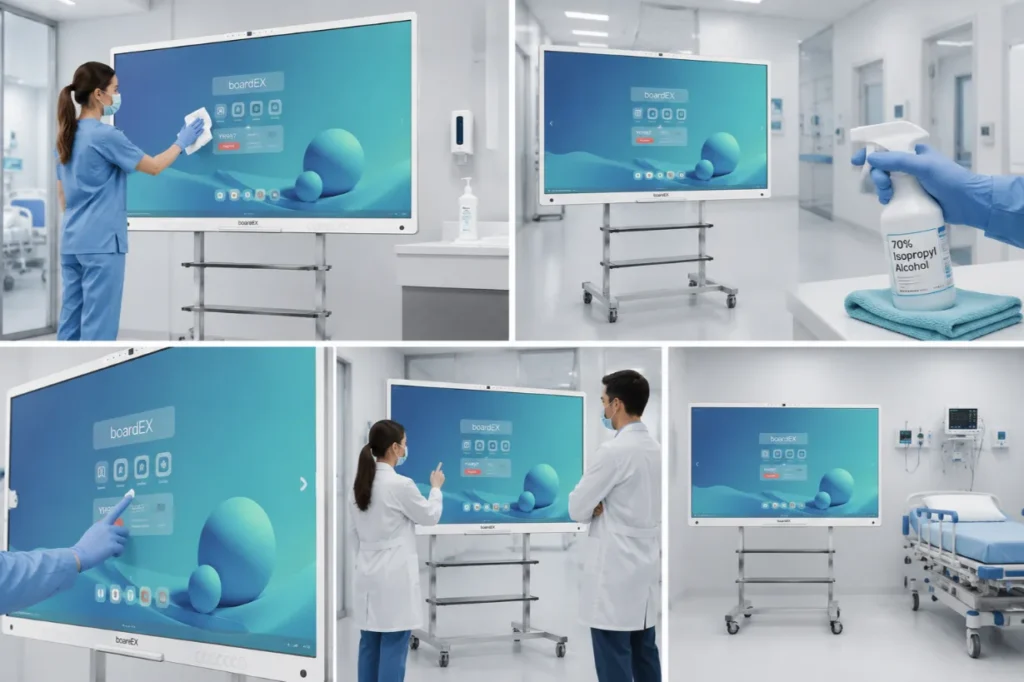
- Apply the disinfectant to a soft, lint-free cloth; never spray it directly onto the glass, so fluid cannot run into the edges.
The wipe
- Wipe the full glass surface in one direction, then the bezel and the lower edge where hands rest most.
- Give the surface the contact time the disinfectant specifies. A quick smear does not disinfect; the chemical needs its stated dwell time to work.
- Wipe the supplied pen and any shared stylus at the same time, since they are touched as often as the screen.
How often
Match the panel to the cleaning frequency of the other shared surfaces in the same room. A high-traffic nurse station screen should be on the same schedule as the nearest shared workstation. A case review panel, used a few times a week, needs cleaning before and after each session. The principle is consistency, not heroics: a surface cleaned reliably on a known schedule is far safer than one cleaned thoroughly but only now and then.
Touch panel hygiene compared with what it replaces
| Shared item | How easy to disinfect | Why |
| Interactive flat panel | Easy | One sealed flat glass surface, no gaps, tolerates standard disinfectant |
| Shared keyboard | Hard | Gaps between every key trap, fluid, and residue |
| Remote control | Hard | Recessed buttons and seams are difficult to reach |
| Paper chart or printout | Not possible | Cannot be wiped or disinfected at all |
| Printed wall sign | Rarely done | Not part of any cleaning routine in practice |
Building the panel into your infection control plan
The safest shared display is one that has been thought about at three points: at purchase, at installation, and in the daily cleaning schedule. Specify a screen that tolerates your existing disinfectants, place it where cleaning staff can reach the whole surface easily, and add it to the same cleaning rota as the other shared surfaces in the room. Handled that way, a panel stops being a hygiene worry and becomes one of the more controllable surfaces in the space.
Cleaning protocols are easier to enforce when they are set once across a department rather than agreed upon room by room. That is simpler to do where panels already serve a consistent role across nurse stations, case review rooms, and patient spaces, so a single disinfection schedule can cover every screen a facilities team is responsible for.
Need to confirm a panel meets your infection control standards before you specify it? boardEX will share surface and cleaning details and arrange a hands-on demo for your facilities team. Talk to a boardEX advisor
Frequently asked questions
Are interactive flat panels hygienic enough for hospitals?
Yes, when specified and cleaned correctly. The sealed glass front is a single flat, non-porous surface that wipes down with standard hospital disinfectant, which makes it easier to keep clean than a keyboard, a remote, or a paper chart. Like any shared surface, it stays safe only when it is added to a regular cleaning routine.
What disinfectant can be used on an interactive flat panel screen?
Use the alcohol based or chlorine-based disinfectant your facility already approves for shared electronic surfaces, applied to a soft lint-free cloth rather than sprayed directly onto the glass. Before purchase, confirm the screen tolerates that specific chemical without clouding, because chemical tolerance varies between panels and is the key thing to verify.
How often should a shared touch screen be cleaned in a clinical area?
Match it to the cleaning frequency of the other shared surfaces in the same room. A busy nurse station screen should be cleaned on the same schedule as the nearest shared workstation, while a case review panel used a few times a week needs cleaning before and after each session. Consistency matters more than occasional deep cleaning.
Do touch panels need an antimicrobial coating to be safe?
An antimicrobial coating can be a useful extra, but it does not replace cleaning. The most important factors are a sealed flat surface that is easy to wipe and proven tolerance to your disinfectant, combined with a reliable cleaning schedule. A coating supports good practice rather than substituting for it.
Is a touch screen more or less hygienic than the surfaces it replaces?
Usually easier to keep clean. A panel replaces items such as keyboards, remote controls, and paper charts, which either trap residue in gaps or cannot be disinfected at all. A single sealed glass surface with no seams is close to the easiest shared item in the room to wipe down properly.