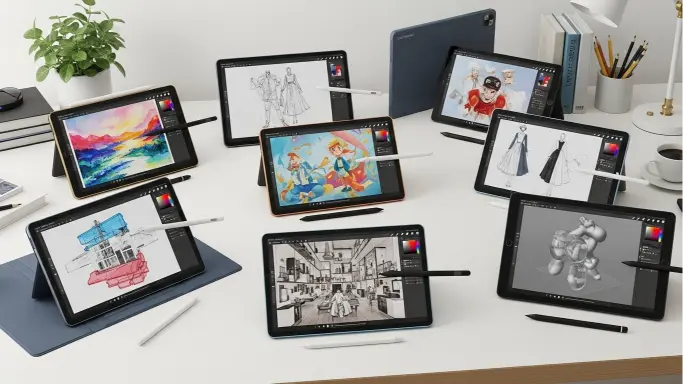
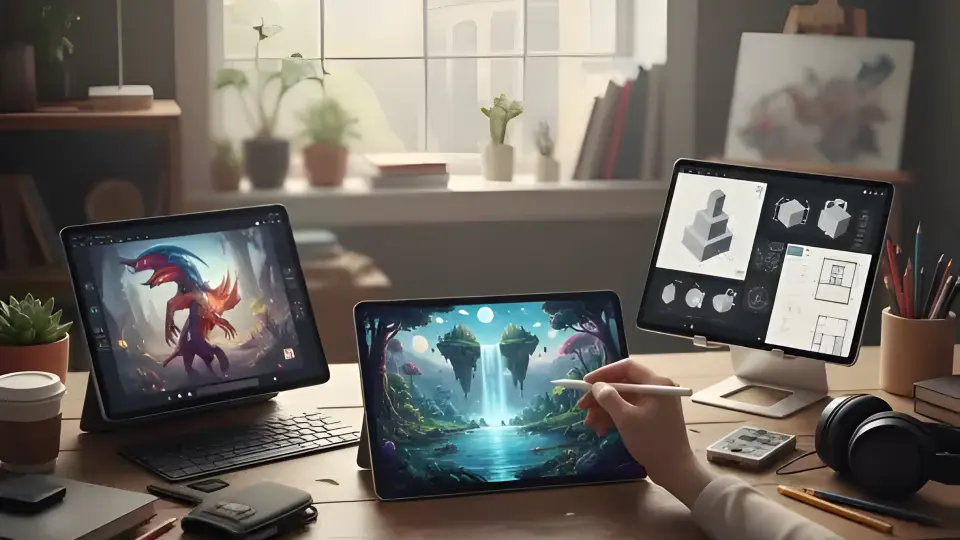
If you’re an artist in 2025, you’ve probably noticed how smart tablets for artists have become genuinely indispensable. I remember when tablets were mainly for watching videos or browsing the web, but things have changed dramatically. Today’s tablets are legitimate creative powerhouses that can handle everything from quick sketches to complex illustration projects.
Let me walk you through what makes a great tablet for creative work and help you figure out which type might work best for your artistic journey.
Table of Contents
Why Artists Are Switching to Tablets
Here’s the thing: tablets have fundamentally changed how we create art. I’ve watched countless artists make the transition, and the reasons are pretty compelling.
You Can Work Anywhere
The freedom is real. Coffee shops, parks, your couch at 2 AM when inspiration strikes, your entire studio fits in a bag. I’ve seen artists sketching masterpieces on trains and perfecting designs during lunch breaks.
The Stylus Has Finally Caught Up
Modern styluses have gotten really good. We’re talking about pressure sensitivity that rivals traditional media, tilt detection for shading, and latency so low you forget you’re working digitally. That annoying lag? Pretty much gone on quality devices.
Displays That Actually Do Your Art Justice
Colors pop. Details shine. The screens on today’s creative tablets are seriously impressive, with resolutions sharp enough to see every brushstroke and color accuracy that won’t betray you when you export your work.
Apps Have Matured
The software ecosystem has exploded. Whether you’re into painting, vector design, animation, or 3D work, there’s professional-grade software that takes full advantage of modern tablet hardware.
What to Actually Look For
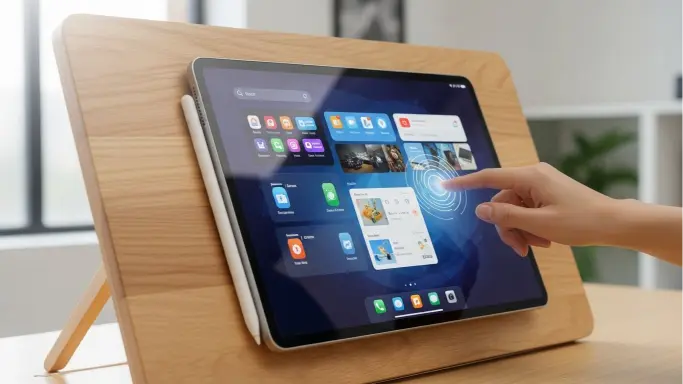
When you’re shopping for a creative tablet, here’s what really matters (trust me, I’ve learned this the hard way):
The Display Makes or Breaks Your Experience
Don’t compromise here. You want:
- Colors that match what you intend (look for wide color gamut support)
- Resolution high enough that you’re not seeing pixels
- Brightness for outdoor sketching sessions
- Some kind of anti-glare treatment if possible
Your Stylus Is Your Brush
This is your primary tool, so it needs to feel right. Low latency is non-negotiable, you want your strokes to appear instantly. Pressure sensitivity should feel natural, not like you’re fighting the device. And palm rejection? Absolutely essential unless you enjoy accidental marks everywhere.
Power Under the Hood
Nothing kills creativity faster than a laggy tablet. When you’re working with dozens of layers or high-resolution canvases, you need solid processing power and plenty of RAM. Your tablet should keep up with your ideas, not slow them down.
Battery That Lasts
There’s nothing worse than being in the flow and watching your battery die. Look for something that’ll last through a full creative session without hunting for outlets.
Pick Your Ecosystem Wisely
Think about the apps you use or want to use. Some operating systems excel at certain creative tasks. Consider whether you need desktop-grade software or if tablet-optimized apps will cover your needs.
The Best Tablets for Different Types of Artists
Let me break down what’s working well for different creative workflows in 2025:
For the Serious Professional
If you’re doing this for a living, you’ll want the premium option. These tablets offer the absolute best drawing experience with ultra-responsive styluses, buttery-smooth 120Hz displays, and color accuracy that won’t let you down when deadlines hit.
The ecosystem of professional apps here is unmatched. Digital painters and concept artists particularly love these for their precision and reliability. Yes, they’re expensive, but if art is your career, they’re worth every penny.
For Android Enthusiasts
Android tablets have come a long way. The high-end options now feature gorgeous displays (those vibrant AMOLED screens are stunning for artwork), included styluses with impressive pressure sensitivity, and the flexibility that Android users love.
If you’re already invested in the Android ecosystem or enjoy customizing your workflow, these deliver a fantastic drawing experience while giving you more control over your device.
For Designers Who Need Desktop Power
Some tablets blur the line between tablet and laptop, and that’s exactly what graphic designers need. These hybrid devices run full desktop applications; we’re talking the complete creative software suites, not mobile versions.
They’re perfect if you need to jump between vector work, photo editing, layout design, and illustration all in one device. The addition of a keyboard and trackpad means you can handle both precision tablet work and traditional computing tasks.
For Beginners and Students
Starting your creative journey? You don’t need to break the bank. Budget-friendly tablets have gotten surprisingly good. You’ll get a quality display for learning digital art fundamentals, a capable stylus for developing your technique, and enough performance to run popular creative apps.
These are perfect for students, hobbyists, or anyone wanting to explore digital art without a massive investment upfront.
Best Tablets for Creative Professionals: Professional Studios and Advanced Artists
At the top end, there are tablets built specifically for professional production work. We’re talking cinema-grade color accuracy, premium styluses that rival professional drawing tablets, and the horsepower to handle complex animation or 3D projects.
These devices may be overkill for casual users, but for professionals working in animation, high-end illustration, or advanced production environments where color precision and performance are non-negotiable, they truly stand out as the best tablets for creative professionals who refuse to compromise their vision.
Quick Comparison Guide
Professional Digital Painters → Premium tablets with 120Hz displays, minimal latency, excellent color
Android Power Users → High-end Android tablets with included styluses and vibrant displays
Graphic Designers → Hybrid devices that run desktop creative software
Beginners & Students → Budget-friendly options that don’t sacrifice core functionality
Studio Professionals → Workstation-class tablets for production-level work
Apps Worth Exploring in 2025
The app landscape keeps getting better. You’ll find incredible options for sketching, painting, vector illustration, animation, and even 3D work. Many professional artists now work entirely on tablets using apps that rival or even exceed traditional desktop software in certain areas.
Making the Most of Your Tablet
Here are some tips I wish someone had told me earlier:
Master Layers: They’re your best friend for complex projects and non-destructive editing.
Build a Brush Library: Save your favorite settings and custom brushes. Future you will be grateful.
Back Up Religiously: Use cloud sync or regular backups. Losing work is devastating.
Consider a Screen Protector: Especially the paper-textured ones, they make drawing feel more natural and protect your investment.
Calibrate Your Display: Especially important if you’re doing work that needs accurate colors.
What Tablets Are Good for Digital Art?
What tablets are good for digital art depends on how you create and what tools you’re comfortable with. A good digital art tablet should feel natural to draw on, respond smoothly to your pen strokes, and display accurate colors so your artwork looks exactly how you imagined it.
As explained in this guide on the best smart tablets for artists in 2025, modern tablets now offer pressure-sensitive pens, high-resolution screens, and powerful performance. Whether you’re a beginner or a professional artist, choosing the right tablet can make digital drawing easier, faster, and far more enjoyable.
Final Thoughts
Choosing the right tablet comes down to understanding your needs and being honest about your budget. The good news? There’s genuinely never been a better time to be a digital artist. Whether you’re a professional making a living from your art, a designer juggling multiple projects, or someone just beginning to explore digital creativity, there’s a tablet that fits your workflow.
Today’s technology has matured to the point where the tablet isn’t the limiting factor, it’s your creativity and skill that truly lead the way. And with companies like BoardEX offering smart, innovative display solutions, digital artists now have even more powerful tools to enhance their craft.
FAQ’s
Which tablet is best for creative work?
A tablet with a high‑quality display, pressure‑sensitive stylus, and full support for art/design apps, ideally something made for drawing or digital art.
Which tablet is best for an artist?
One designed for digital illustration: good stylus sensitivity, accurate color, and either a built-in display (so you draw directly on screen) or a responsive graphics pad.
What tablet do concept artists use?
Many use high‑end graphics tablets or pen displays, often connected to a PC, because they need precision, color accuracy, and a large workspace.
What is the current best drawing tablet?
There’s no one “best for everyone,” but the top choices are those with excellent displays + stylus support + smooth, lag‑free drawing, e.g. pen displays for serious art or powerful tablets for portability + sketching.