You might be wondering how to choose the right interactive flat panel trolley stand weight and size. Choosing it in the correct size and weight capacity is essential for safety, smooth interaction, and long-term performance. An unsuitable trolley stand can lead to instability, screen damage, and everyday usability issues.
This guide explains everything in clear, simple steps to help you select the ideal interactive flat panel stand with confidence.
Table of Contents
Why Weight and Size Matter
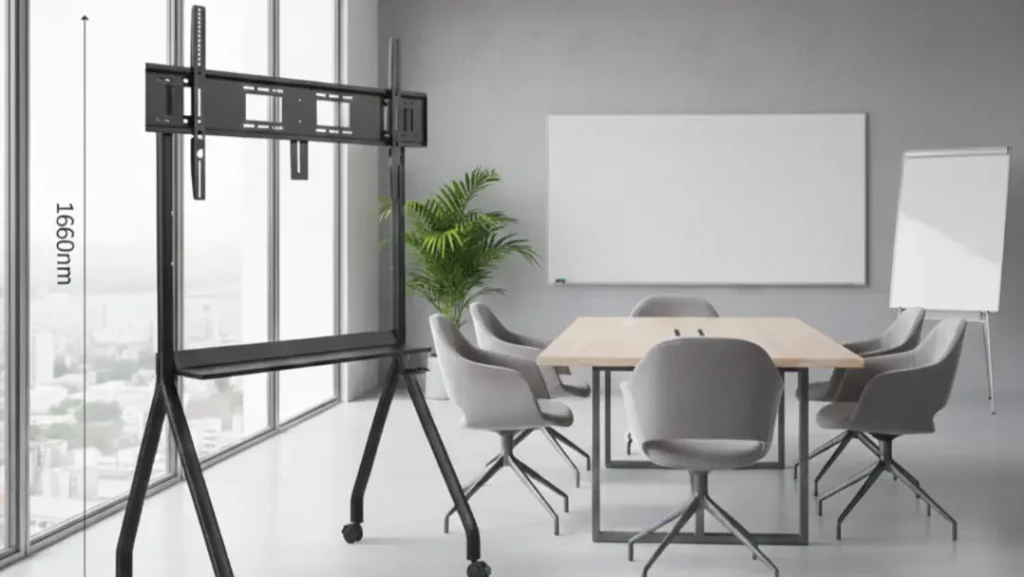
Interactive flat panels invite touch, movement, and frequent use. The trolley stand must handle:
- The full-screen weight
- Pressure from touch interaction
- Long hours of daily operation
When weight and size align correctly, the stand stays stable, the screen remains secure, and users feel confident during presentations and lessons.
Step 1: Know Your Screen Size
Interactive flat panels usually fall into these ranges:
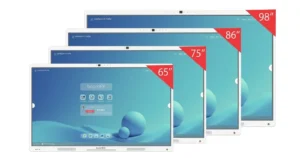
- 55”–65” panels: compact classrooms, meeting rooms
- 70”–75” panels: standard training rooms, offices
- 82”–86” panels: large classrooms, auditoriums
Always check the stand’s supported screen size range. A stand built for smaller screens may flex or tilt when holding a larger panel.
Step 2: Understand Panel Weight
Screen size alone does not tell the full story. Weight varies by brand and model.
Typical panel weights:
- 55”–65”: 30–45 kg
- 70”–75”: 45–65 kg
- 82”–86”: 65–90 kg
Before buying, confirm the exact weight of your interactive flat panel, including any accessories attached to it.
Step 3: Choose the Right Weight Capacity
A trolley stand must always support more than the screen’s actual weight.
Best practice rule
Pick a trolley stand rated for at least 25–30% more weight than your panel.
Example:
- Panel weight: 70 kg
- Recommended stand capacity: 90–100 kg
This buffer protects the frame, mounting arms, and wheels during daily use.
Step 4: Match VESA Mounting Size
Weight support works only when the mounting pattern fits correctly.
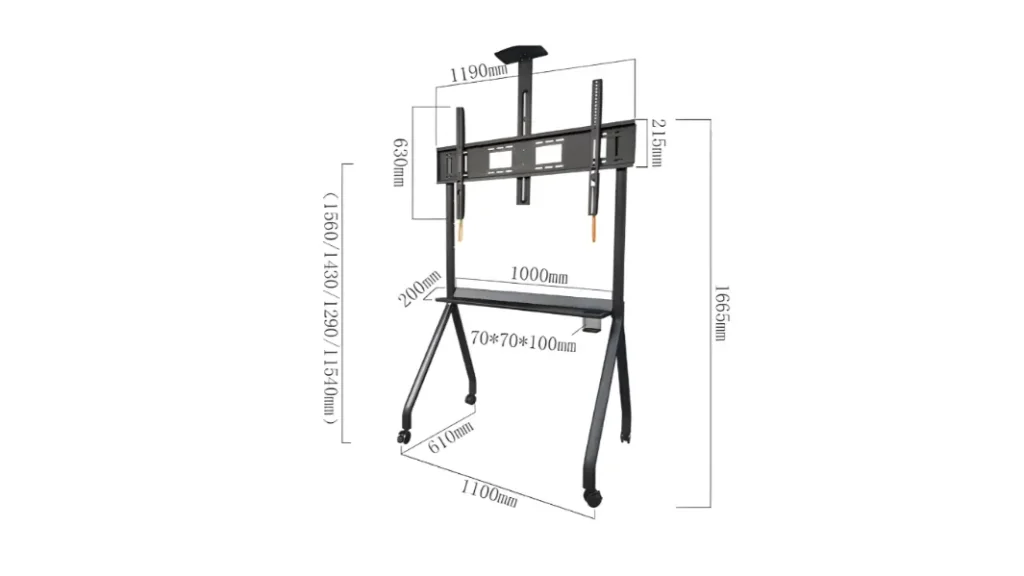
Common VESA patterns for interactive flat panels:
- 400 × 400
- 600 × 400
- 800 × 600
Your trolley stand must support the same VESA size as your panel. Incorrect alignment can stress the mount and reduce stability.
Step 5: Check Base Width and Balance
A heavier screen needs a wider and stronger base.
Look for:
- Wide steel base
- Reinforced center column
- Anti-tip structure
A well-balanced interactive flat panel trolley stand stays steady during writing, dragging, and touch gestures.
Step 6: Height Adjustment and Load Handling
Height adjustment must work smoothly under full load.
Quality stands offer:
- Secure locking points
- Stable lift mechanisms
- No screen drop after adjustment
The stand should hold the panel firmly at every height without shaking.
Step 7: Wheel Strength and Load Rating
Wheels carry the full weight of the system.
Check for:
- Heavy-duty caster wheels
- Load rating suitable for large screens
- Locking brakes for firm positioning
Strong wheels protect floors and keep the stand easy to control.
Step 8: Think About the Usage Space
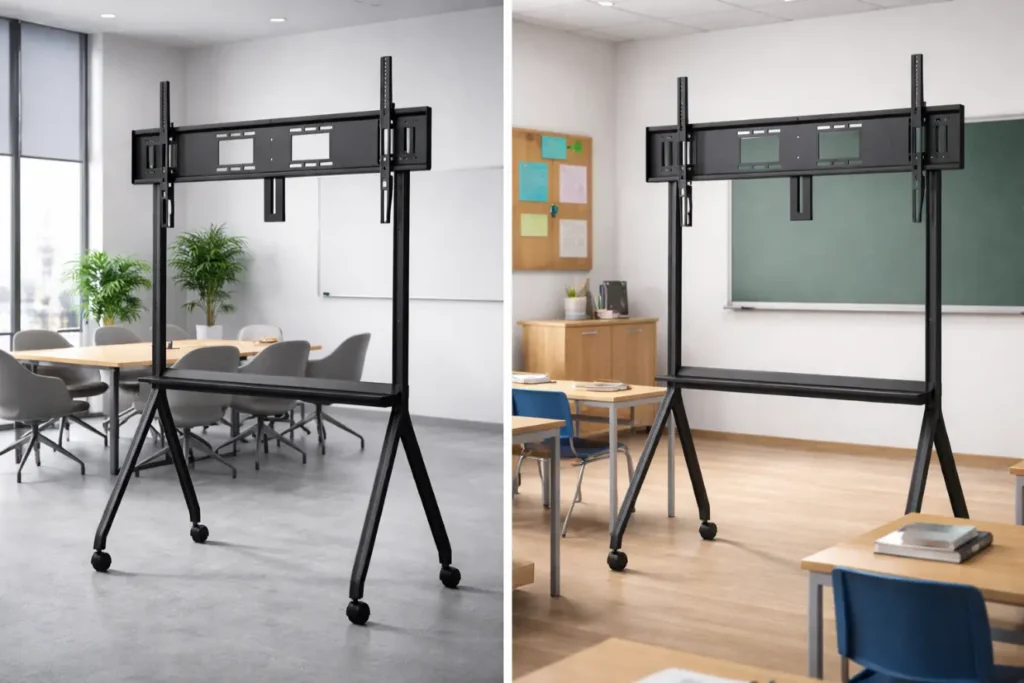
Different spaces place different demands on weight and size.
- Classrooms: stability and height range matter most
- Offices: clean design and smooth movement matter
- Training halls: higher weight capacity and a wide base help
Choosing based on real use ensures long-term reliability.
Quick Weight & Size Checklist
Before final selection, confirm:
- Screen size range supported
- Maximum weight capacity
- Correct VESA mounting
- Wide and stable base
- Strong wheels with brakes
This checklist prevents costly mistakes.
Final Thoughts
Getting the interactive flat panel trolley stand weight and size right protects your screen and improves daily performance. A properly matched stand supports smooth touch interaction, remains stable, and lasts longer. When weight capacity, size compatibility, and build quality work together, choosing a solution from boardEX ensures your interactive flat panel is a safe, professional, and dependable display for learning and presentations.
Frequently Asked Questions
What size are smart interactive boards?
Smart interactive boards typically range from 55 to 86 inches, depending on classroom size, viewing distance, and teaching needs.
How big of a stand do I need for a 50-inch TV?
A trolley or panel stand that supports 50 inches, matches the VESA size, and handles the weight capacity of the display is ideal for stable use.
How heavy is a smart board?
A smart board usually weighs between 25 to 70 kg, based on screen size, build quality, and interactive flat panel design.